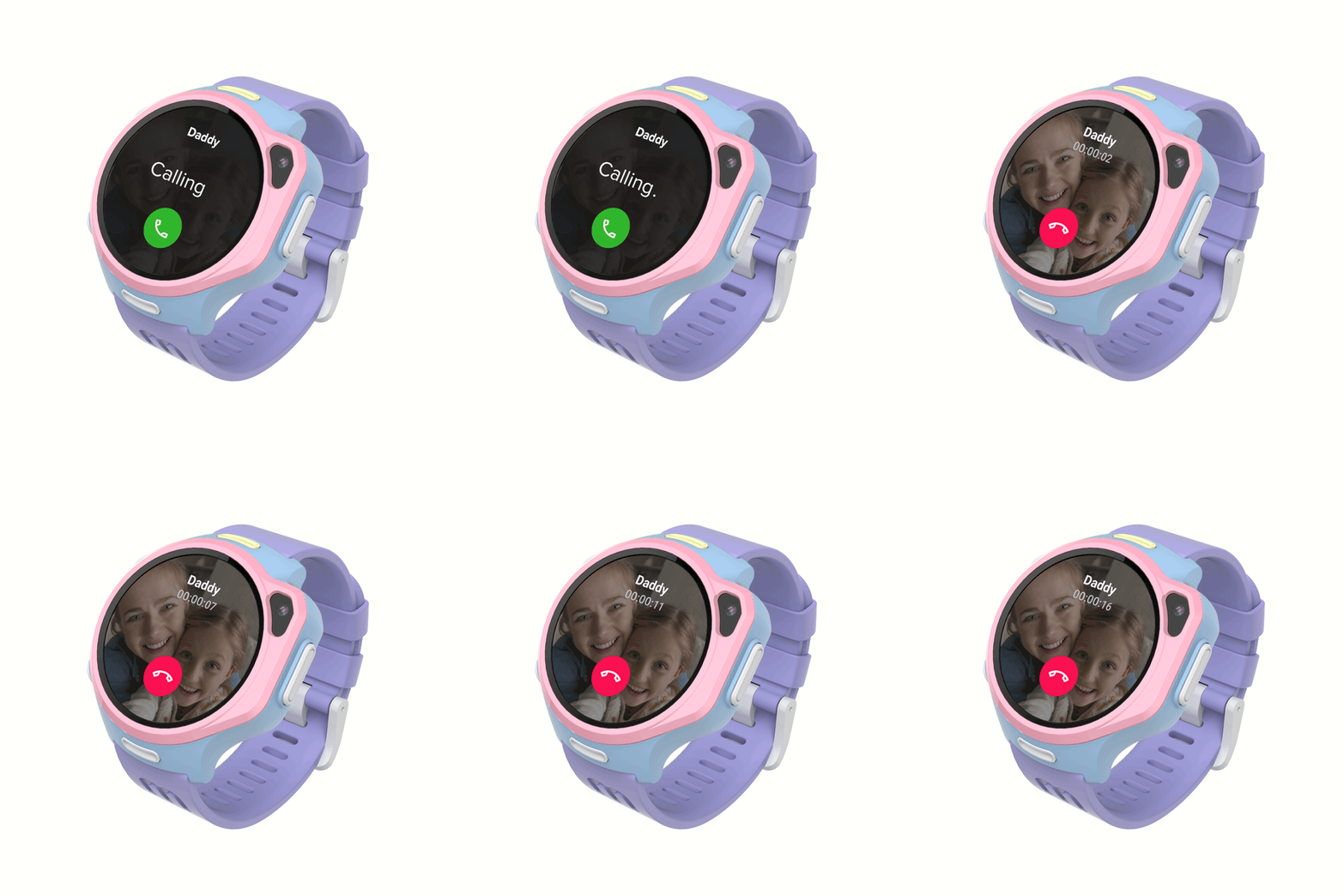
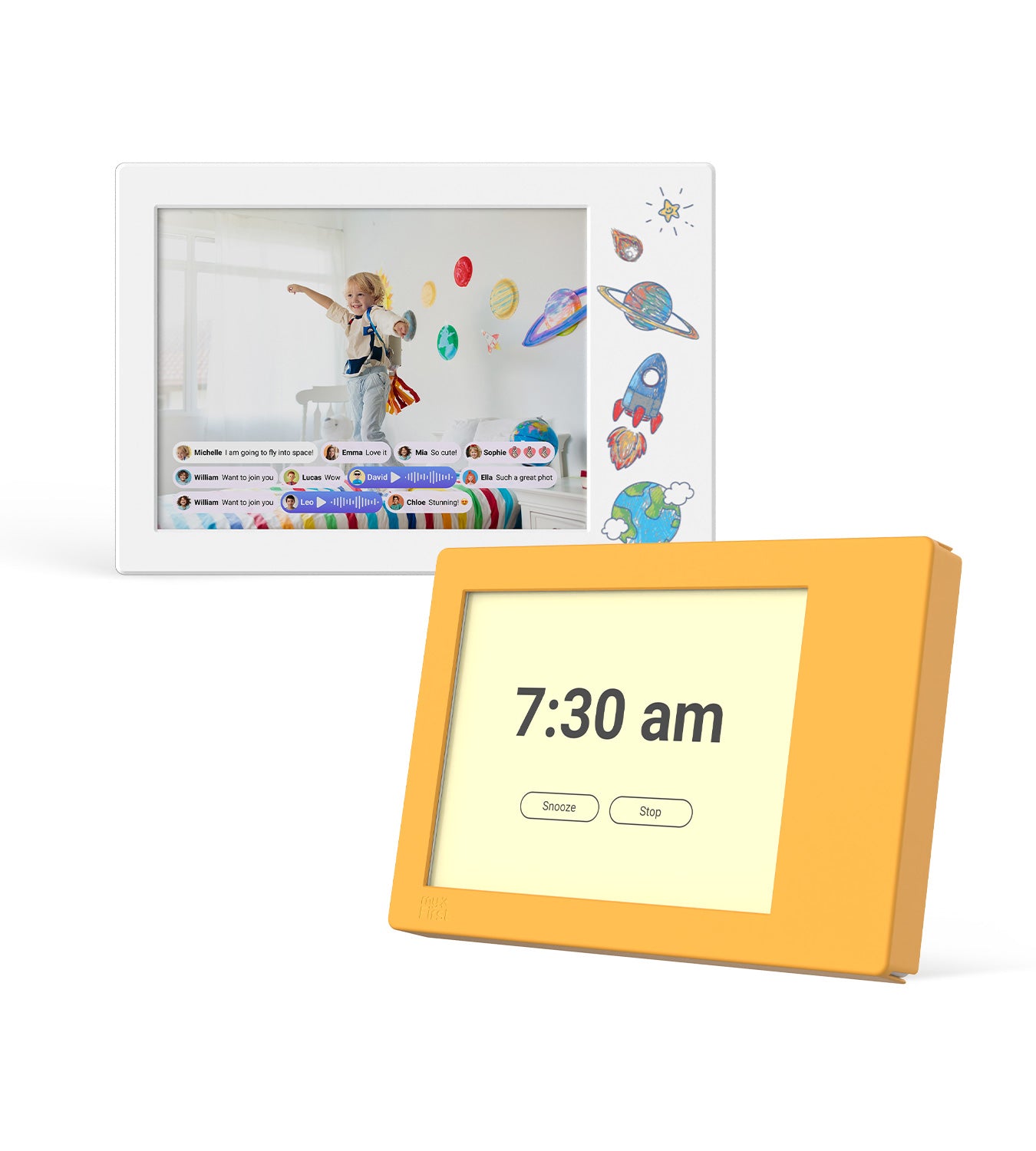
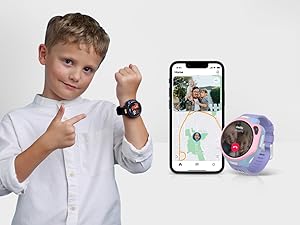
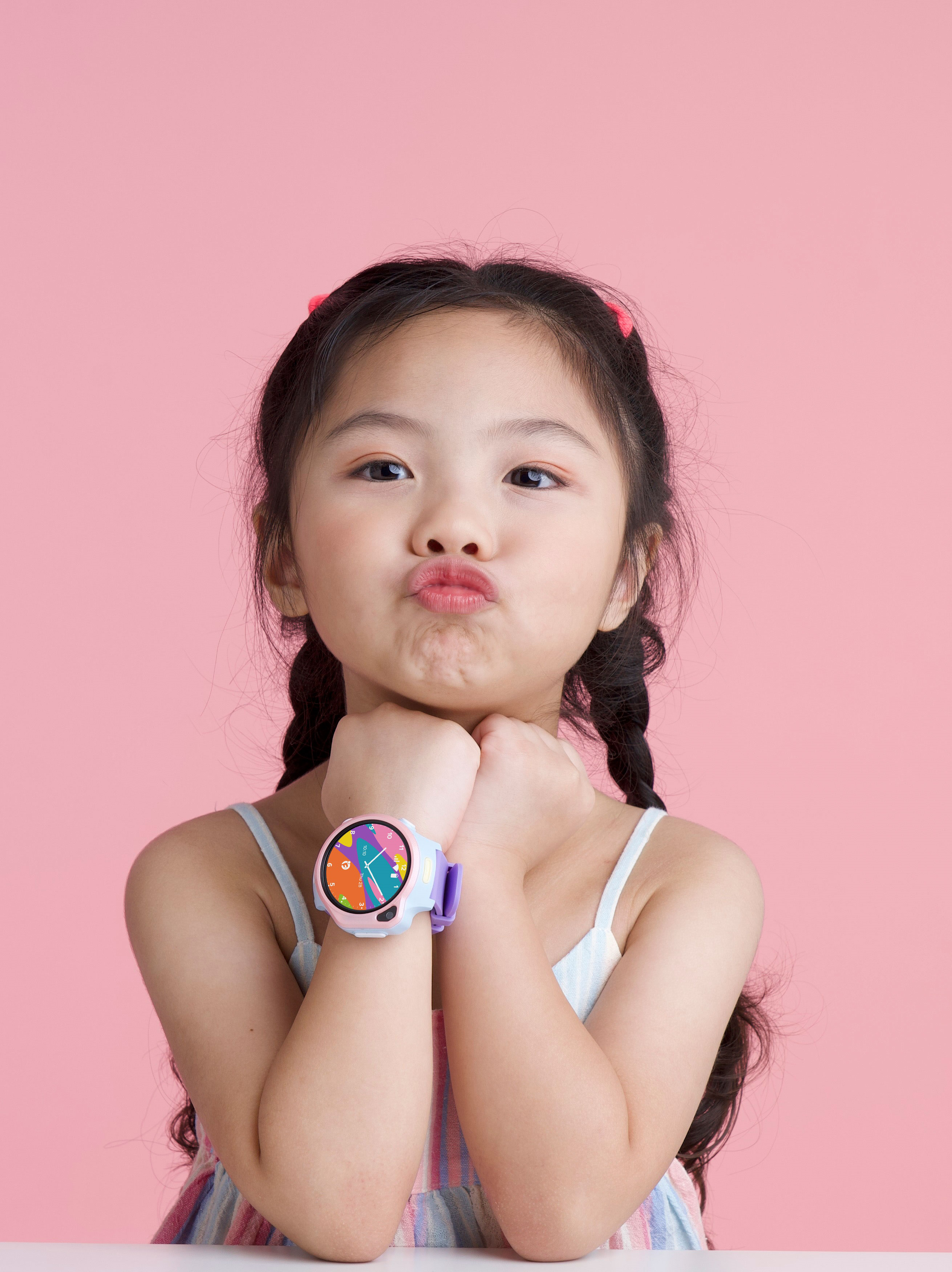
myFirst Fone R2 supports voice and video calls over Wi-Fi or data, allowing for easy and instant communication.
Voice & Video Call
myFirst Fone R2 supports voice and video calls over Wi-Fi or data, allowing for easy and instant communication.
All-in-1 Messaging
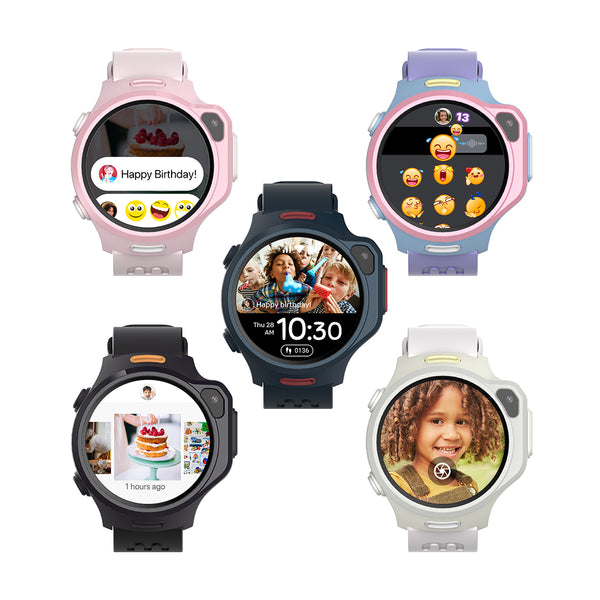
Voice Note: Send quick voice messages to friends and family.
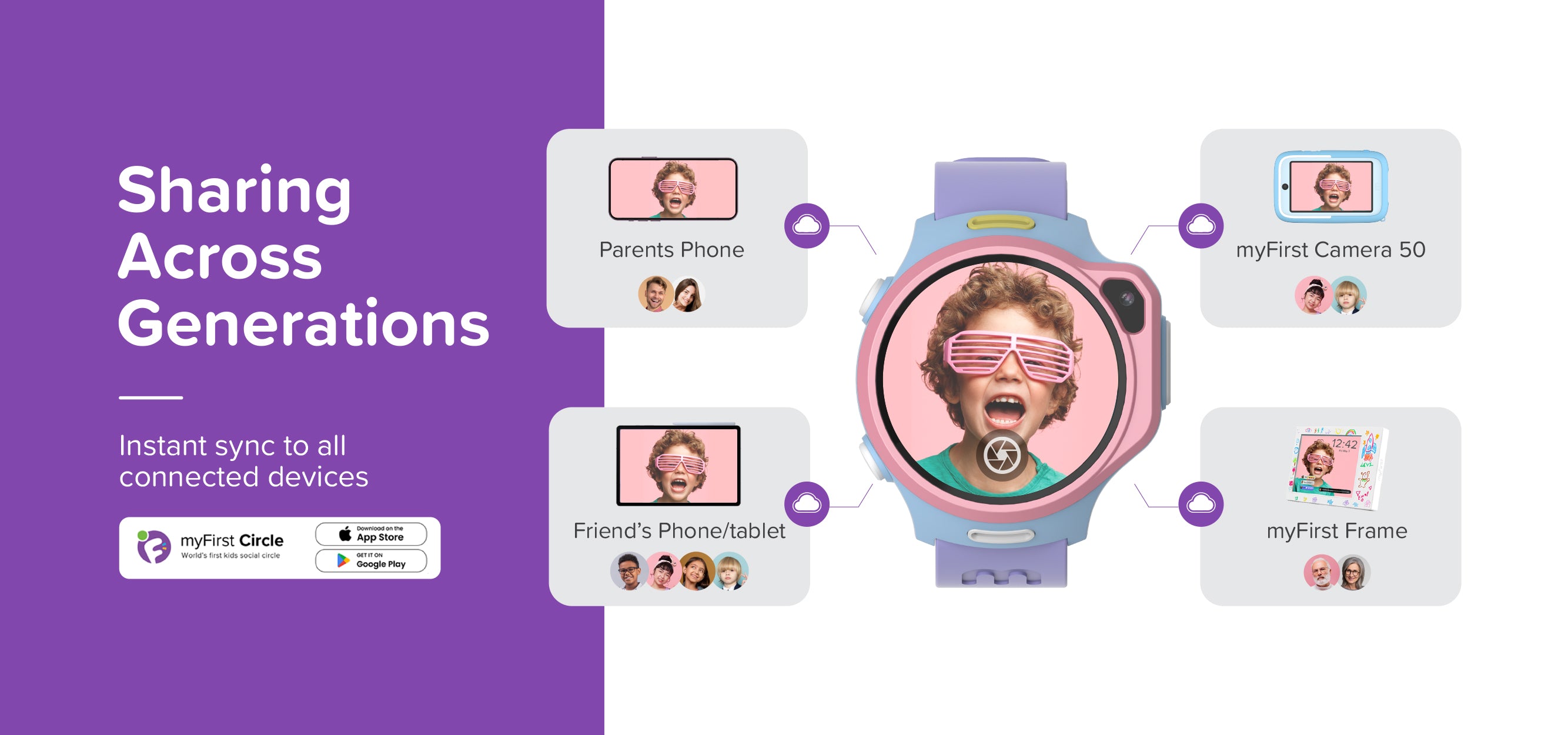
Share Photos: Instantly share special moments with loved ones.
Emoji & GIFs: Add fun to your messages with animated emojis and GIFs.
Knock-Knock: Discover what friends are up to by sending a 'Knock-Knock' and get a snapshot reply.
Momoji: Send fun haptic emojis to friends, filling their screen with Momoji.
Preset text: Pre-written messages ready for quick and easy sending.
All-in-1 Messaging
Voice Note: Send quick voice messages to friends and family.
Share Photos: Instantly share special moments with loved ones.
Emoji & GIFs: Add fun to your messages with animated emojis and GIFs.
Knock-Knock: Discover what friends are up to by sending a 'Knock-Knock' and get a snapshot reply.
Momoji: Send fun haptic emojis to friends, filling their screen with Momoji.
Preset text: Pre-written messages ready for quick and easy sending.
Slimmer & Lighter Design
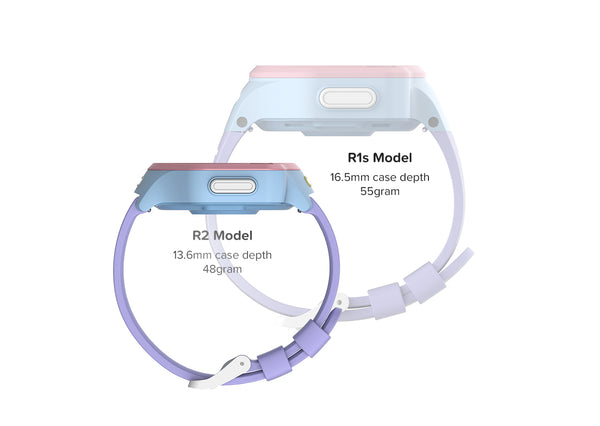
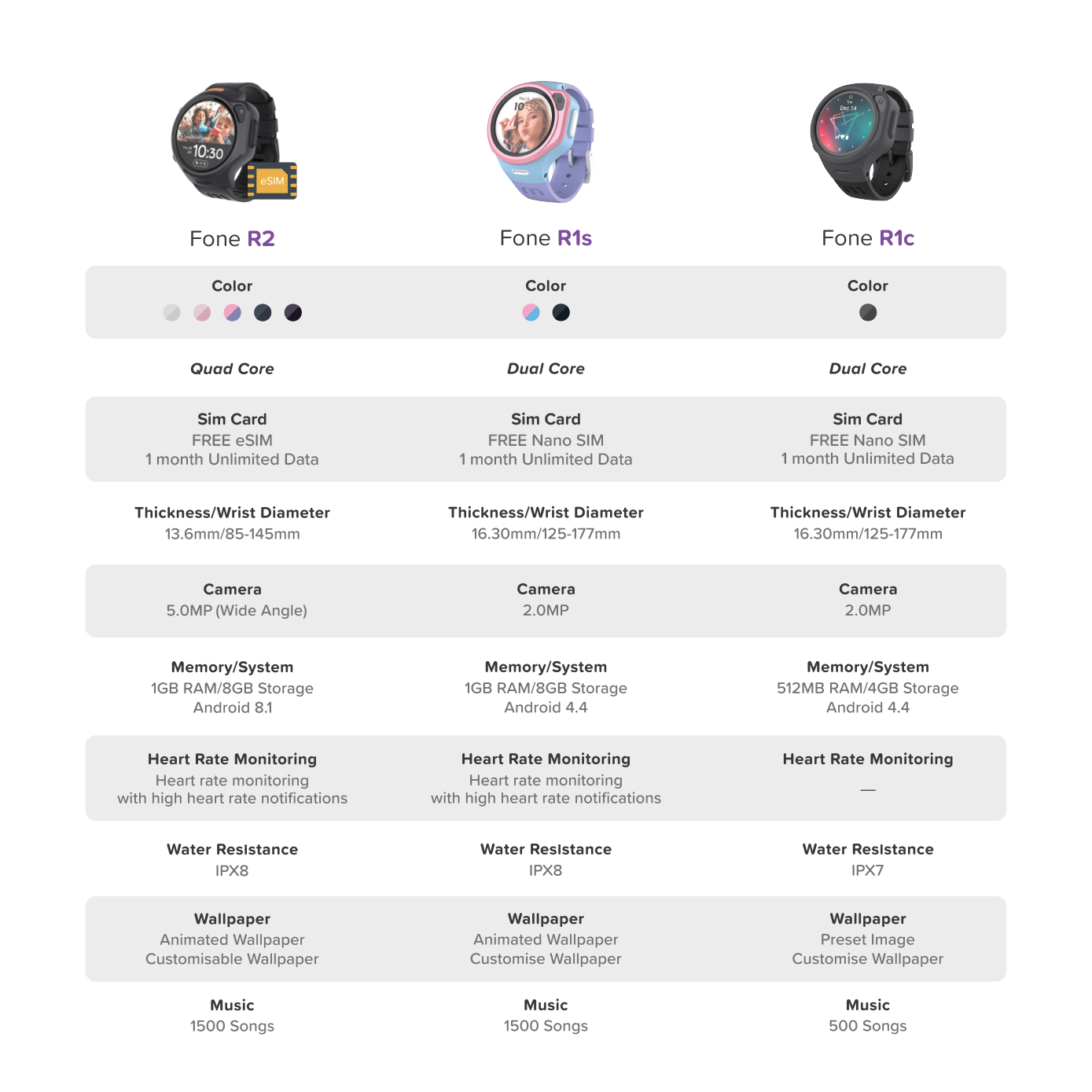
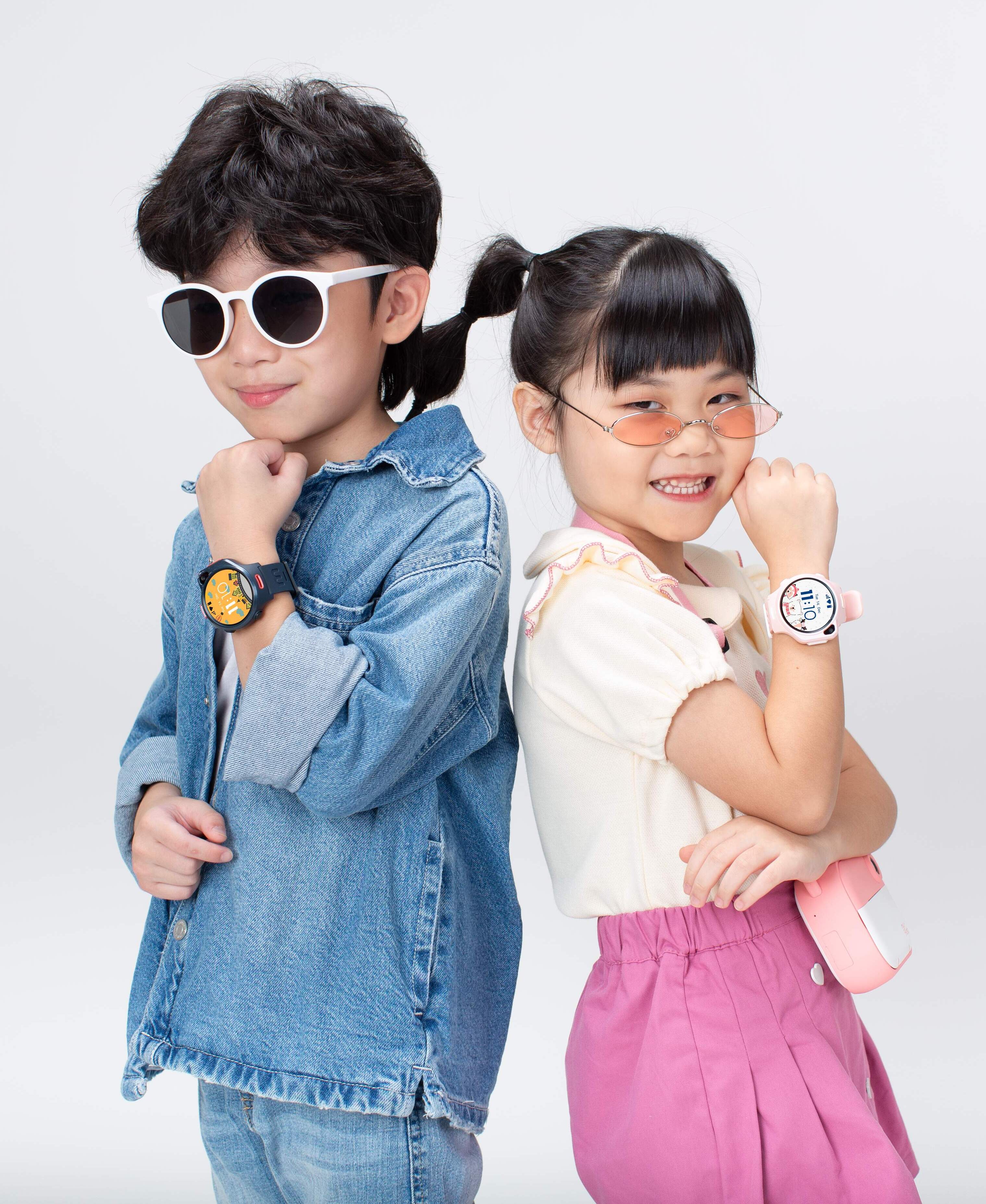
The Fone R2 watch is now much thinner, making it look and feel more like a traditional watch. We've also made it lighter than our old R1s, so it won't feel bulky. And the new stretchy straps will give you a nice, comfortable fit on your wrist.
Slimmer & Lighter Design
The Fone R2 watch is now much thinner, making it look and feel more like a traditional watch. We've also made it lighter than our old R1s, so it won't feel bulky. And the new stretchy straps will give you a nice, comfortable fit on your wrist.
Up-Close with myFirst Fone R2
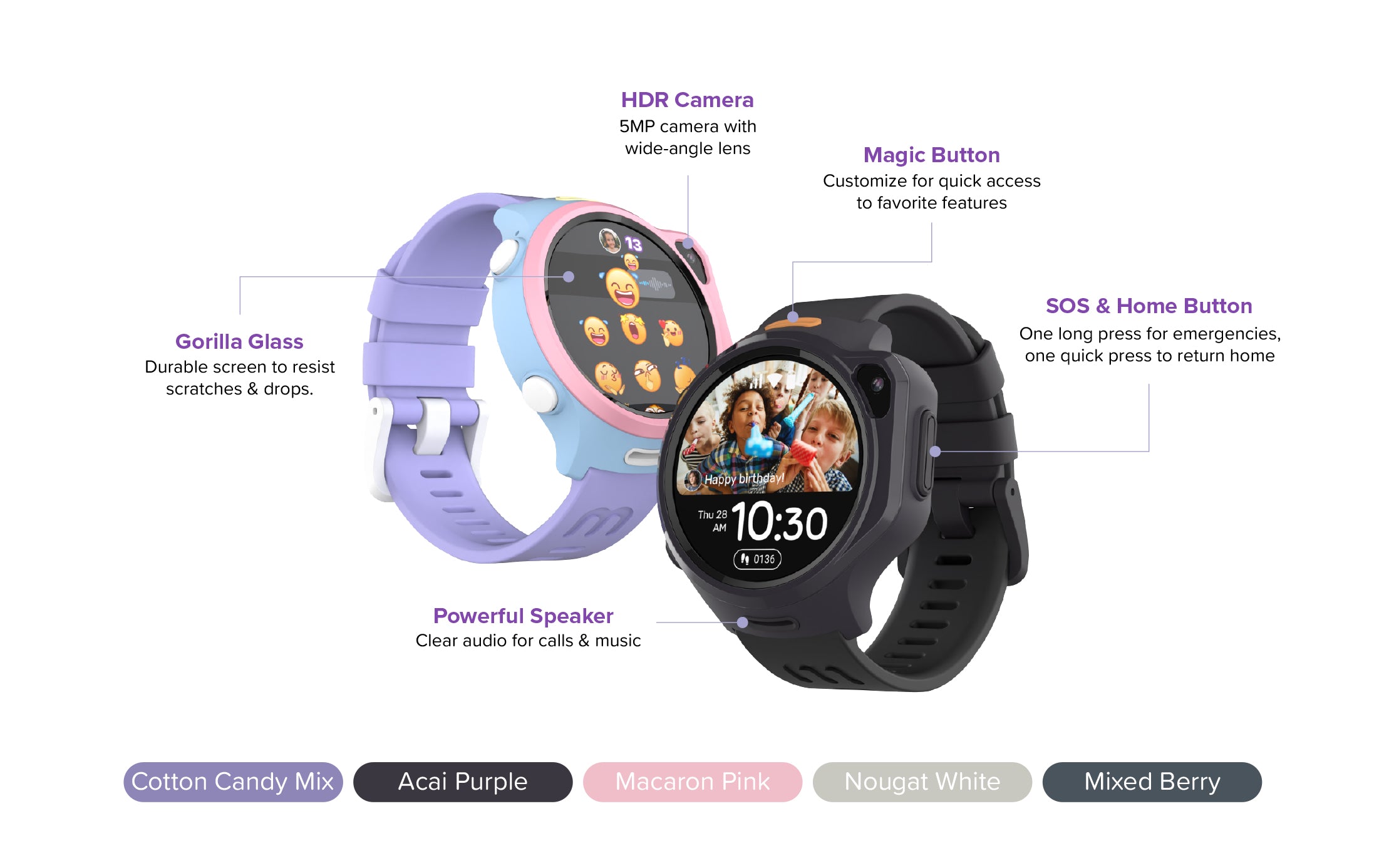
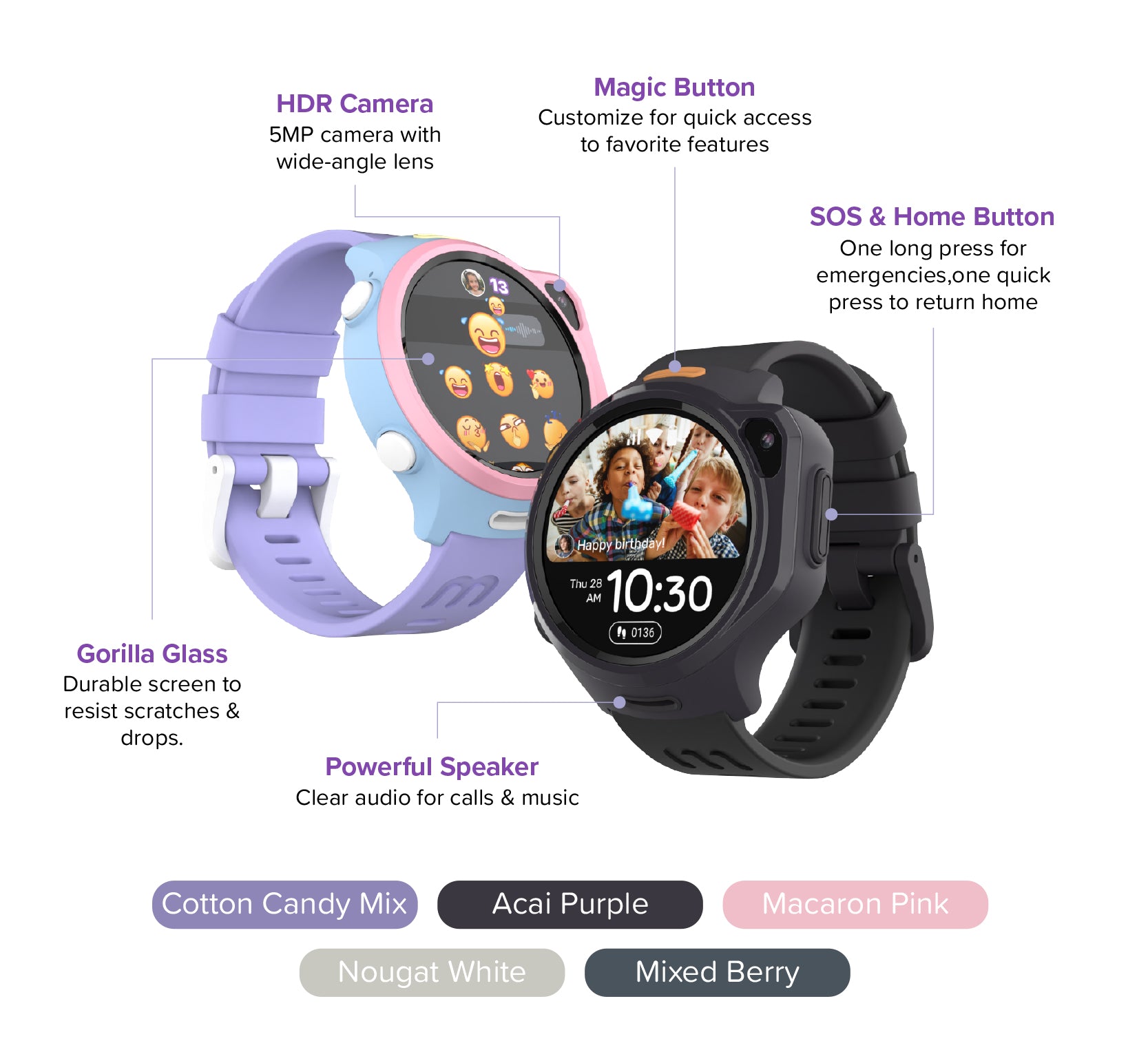
⚠️ Water resistant, not waterproof. Not recommended for swimming or showering.
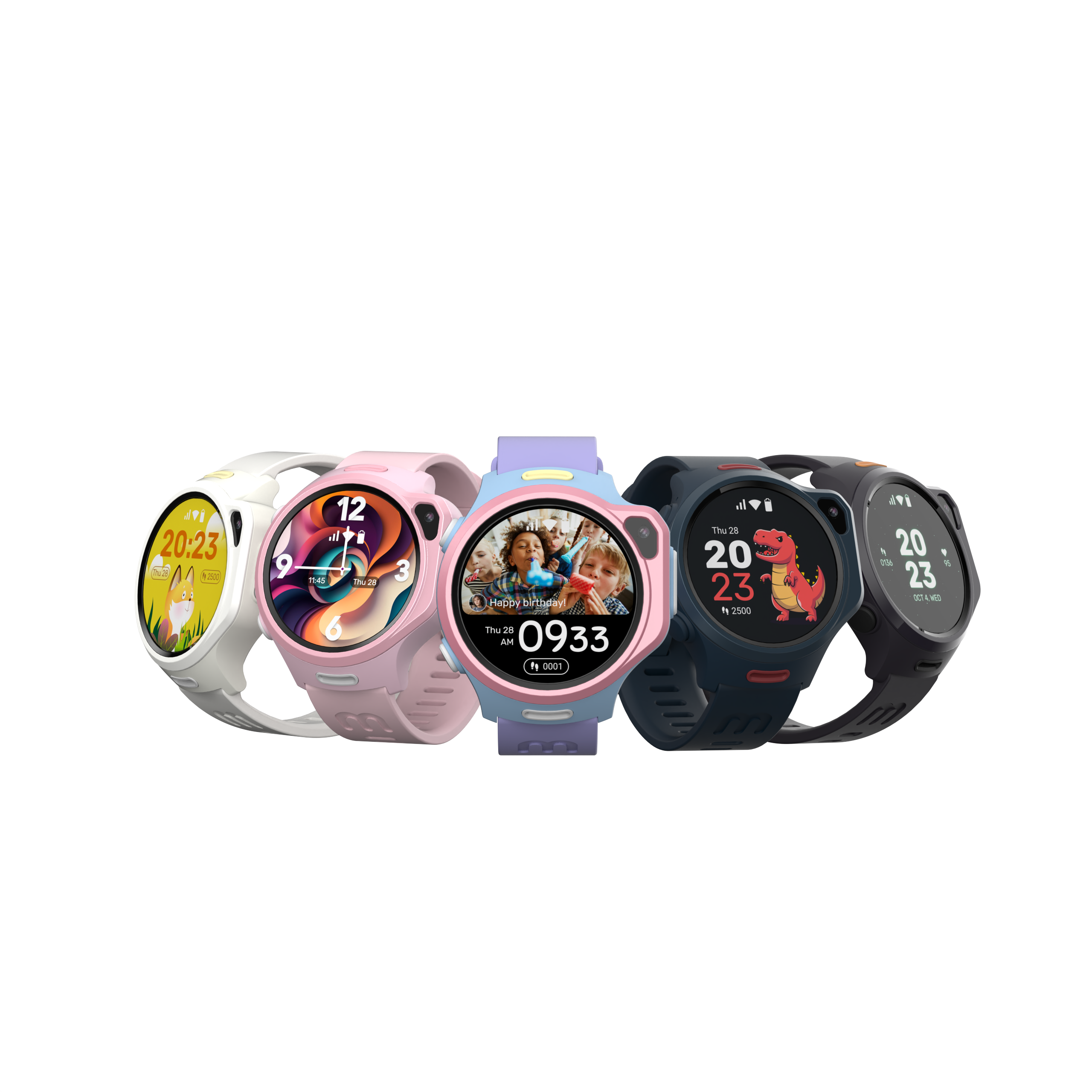
Style Your Watch, Your Way
Mix & Match Straps
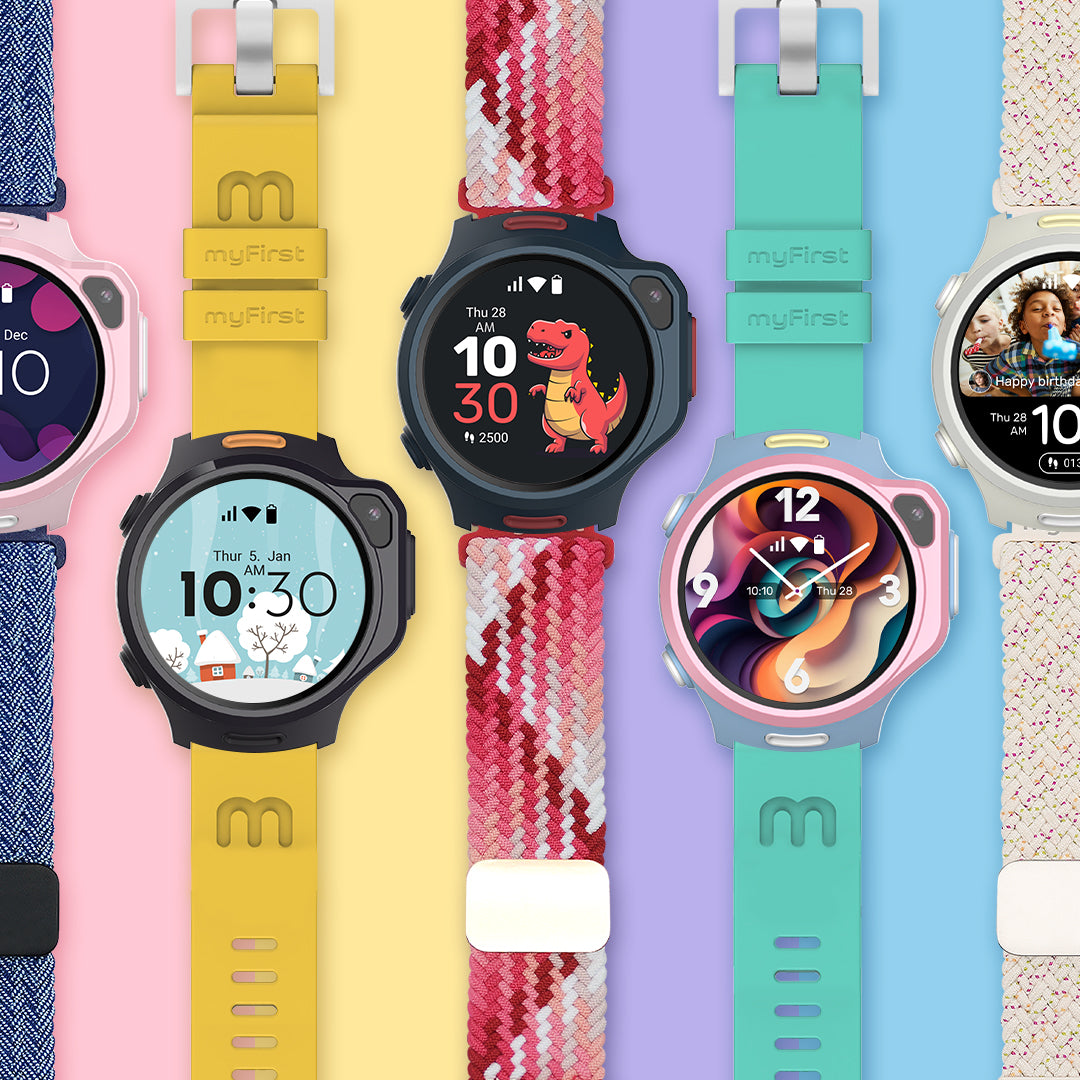
Choose from 16 mix-and-match straps (silicon and knitted) to complement any look.
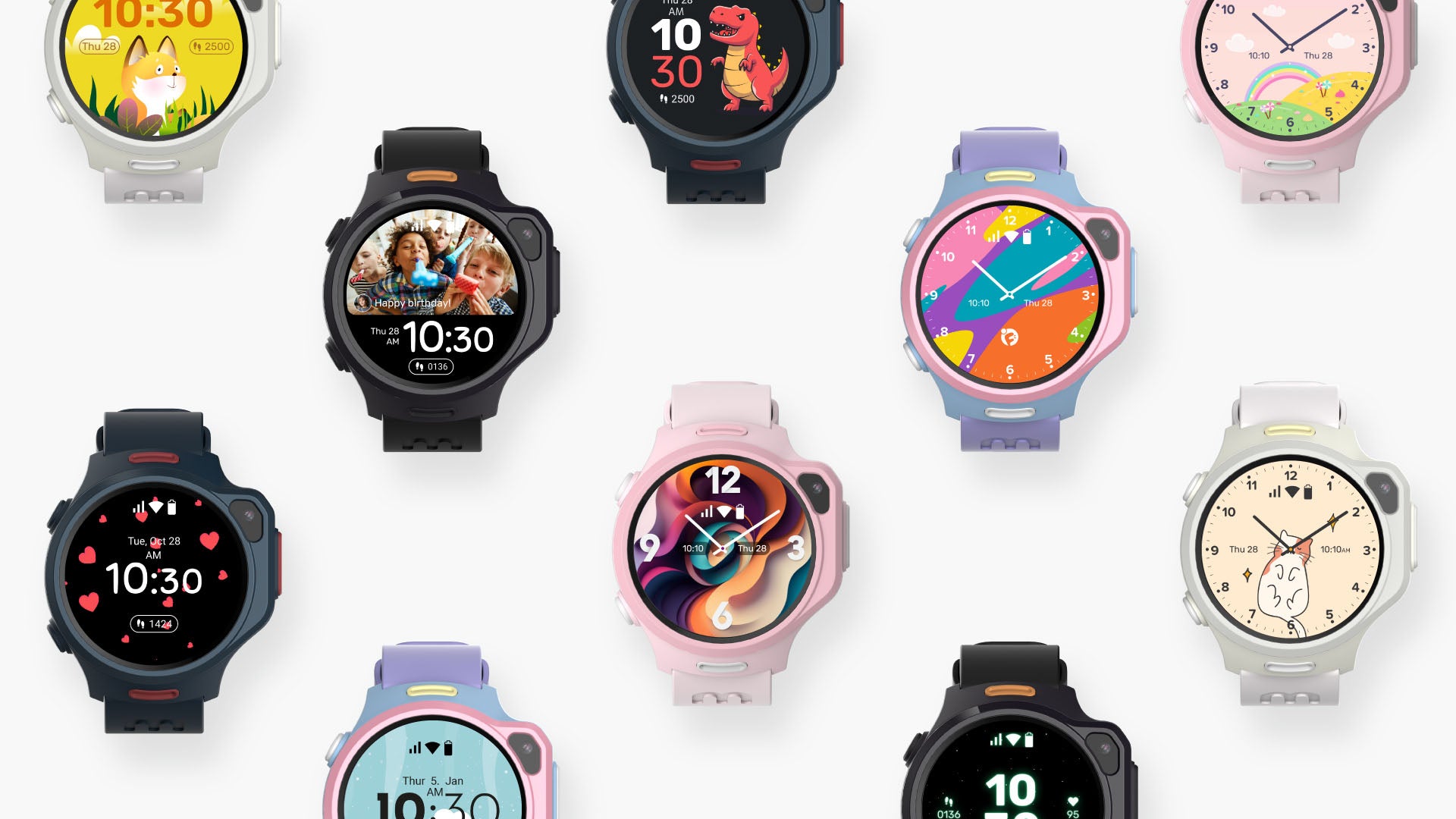
Personalized Watch Faces
Go beyond the ordinary by personalizing your watch face with playful animations, mesmerizing wallpapers, or cherished selfies and friend photos from your chats.
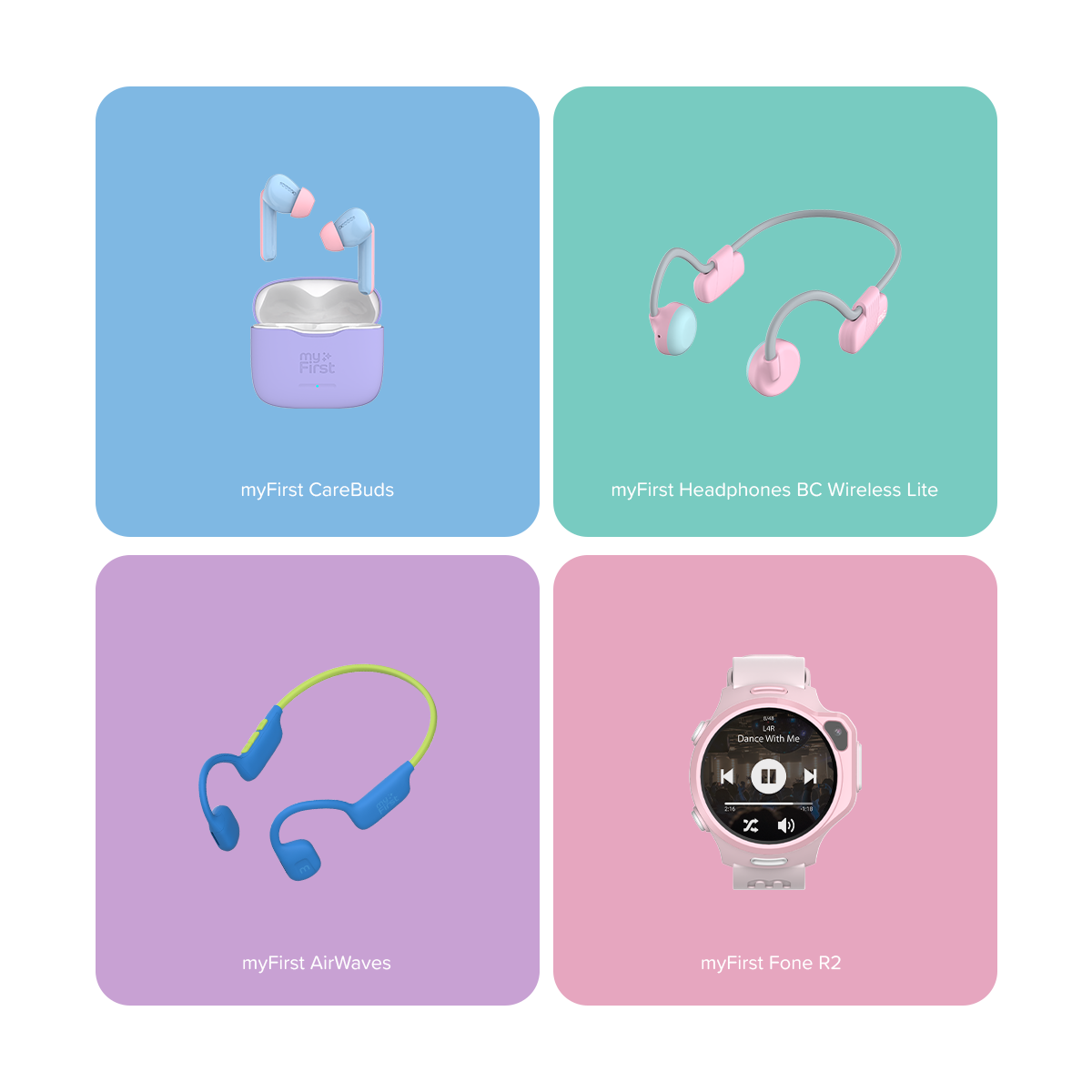
Safe Listening with myFirst Headphones
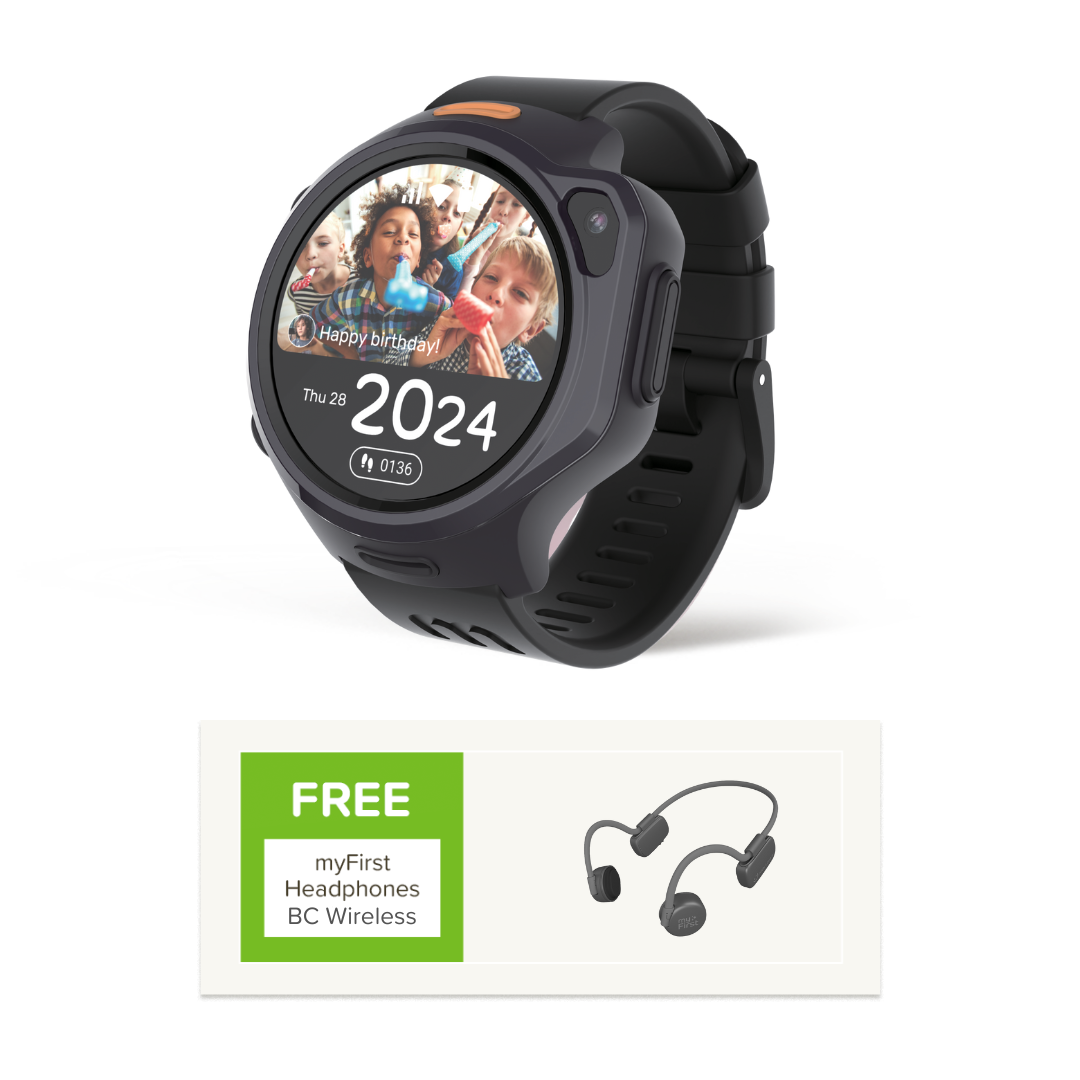
Pair with our myFirst wireless headphones with volume limit for safe listening to songs and audiobooks.
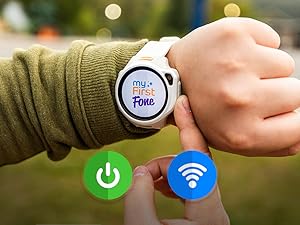
Step 1: Power on your myFirst Fone R2 and connect it to Wi-Fi or a hotspot. After a minute, restart the watch once it's connected to the internet.
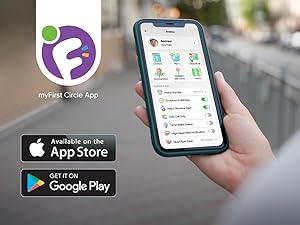
Step 2: Download the myFirst Circle app from the iOS App Store or Google Play Store. Create a parent's and child's account to proceed to the next step.
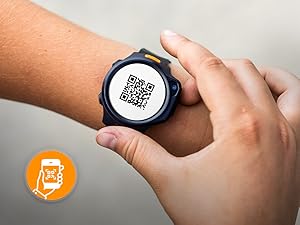
Step 3: Activate your watch and monthly service plan by scanning the QR code on the watch (swipe right to find it). Remember, you need a monthly service plan to activate and use myFirst Fone R2.
Step 4: Your child can now use the watch, and parents can track the watch and set up parental controls.
Been eyeing this watch for so long & finally grab this watch during Merdeka sale. Worth the price. I can check my kids location precisely
S
Syafiq Bahar
Worth the price
Received item in good condition. Kids love it. Worth the price.
M
Mama Liza
Smartwatch terbaik 2025
Tak menyesal beli! Jam ni memang berkualiti dan tahan lasak. Yang paling saya suka, ada fungsi GPS & boleh kawal bila anak boleh guna jam, especially masa di sekolah. Boleh juga call bila rindu atau nak pastikan anak selamat.
F
Fazliejack
Performance padu
jam ni bagus sebab boleh trace anak kat mana. boleh call dah mesej anak kat sekolah. cuma kalau taknak dia main jam boleh set classroom mode. gps dia accurate under 100m kira ok la. cantik anak pun suka pakai. cuma battery dia boleh tahan sehari je. simkad dia bg free sebulan data,lps tu kene byr rm30. overall puas hati la dgn jam ni. sesuai utk ibubapa nak trace anak kat mane.
E
Eric Ng
Good investment
I bought for my kids during promotion. A good deal. Now i can contact them and make sure they stay at school & tuition
Can I use myFirst Fone R2 while swimming or showering?
The myFirst Fone R2 is NOT recommended for use while swimming or showering.
Although the device is water resistant, it is NOT waterproof. This means it can ONLY handle occasional splashes or brief submersion in water, but it is NOT designed for extended exposure to water, particularly when there is significant water movement.
What type of SIM is used for myFirst Fone R2?
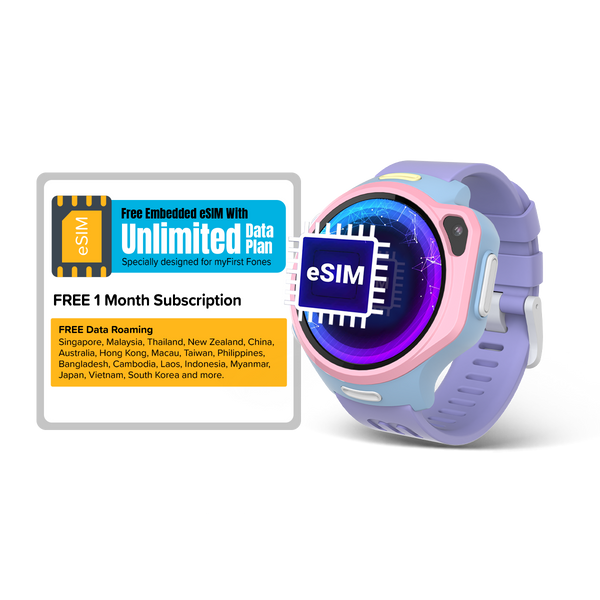
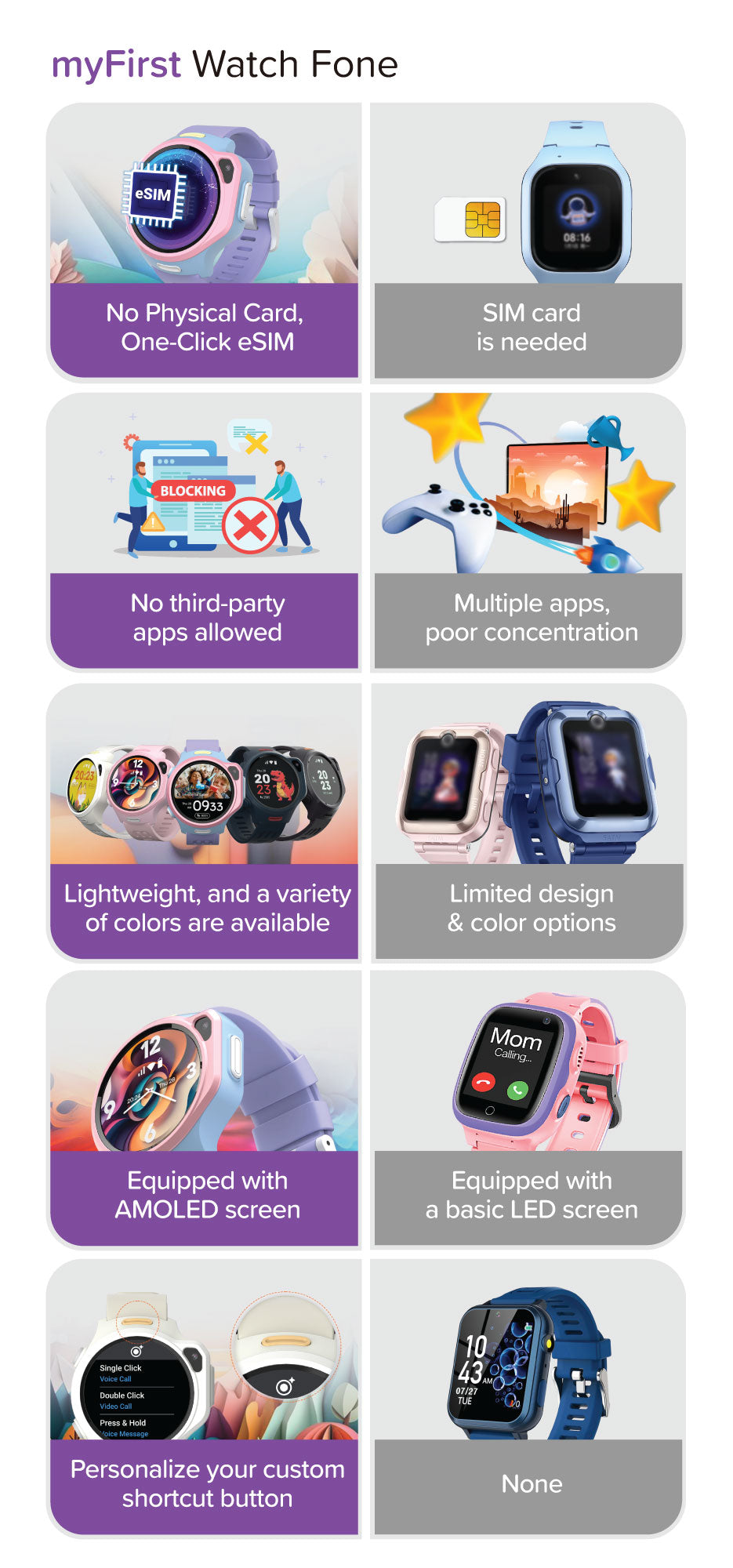
myFirst Fone R2 uses myFirst eSIM for seamless connectivity.
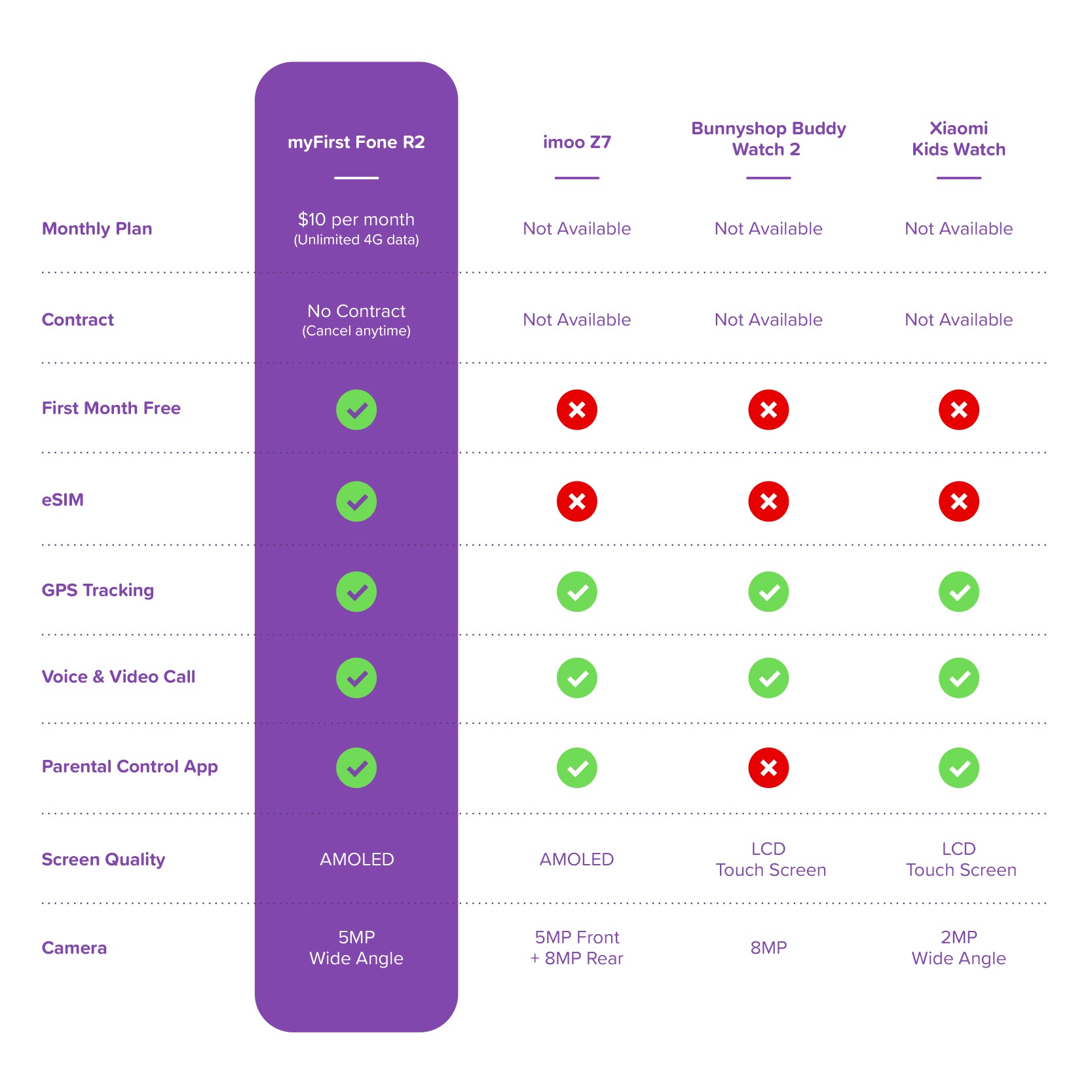
- First Month: Free unlimited data. - Afterwards: RM30/month or RM288/Yearly for unlimited data, including free roaming within supported countries.
This plan is exclusive to myFirst and is not compatible with other local telco providers.
Under a normal usage, myFirst Fone R2 can last up to 16 hours. Daily charging is required.
Here are some tips to extend the battery life of your myFirst Fone R2.
How do I set up and activate my myFirst Fone R2?
You can find a complete, step-by-step guide to setting up and activating your myFirst Fone R2 on our website. Please follow the instructions here to get started.
Can I install apps like WhatsApp or YouTube?
For your child's safety, myFirst Fone R2 does not support third-party apps such as WhatsApp or YouTube. Instead, we've created the myFirst Circle app, which allows your child to:
- Send text & voice messages - Make voice & video calls - Share emojis & pictures - Chat safely in parent-approved groups
This ensures your child stays connected but always in a monitored, secure environment.
Choosing a selection results in a full page refresh.