


myFirst Fone R1c
myFirst Fone R1c
Shipping Details
Shipping Details
Courier: J&T Express
Shipping Origin: Johor Bahru
Shipping Destination: Malaysia (Country-wide)
Estimated Delivery Time:
- Peninsular Malaysia: 1-3 working days
- Sabah & Sarawak: 3-5 working days
Warranty
Warranty
This product is covered by 12 months manufacturer's warranty. Terms & conditions apply.
Important Safety & Product Information
Important Safety & Product Information
Click HERE to know more about the details
Couldn't load pickup availability


Key Safety Features
-

GPS TRACKING
Accurately and conveniently track your kids' whereabouts at a set interval.
-

CUSTOMIZABLE SAFE ZONES
Create custom geo-fences around your home, school or other important locations
-
ONE-TOUCH SOS ALERT
Alert parents & seek assistance in emergency situations with the press of a button
-
NO UNSAFE APPS
No third-party apps such as games & social media can be installed to the watch
-

PARENT-APPROVED CONTACTS
Keep your child safe from online predators and other unauthorized people
-

DISTRACTION-FREE LEARNING
Silences the watch and disables all features except for the SOS function during school or class period set by parents
AUTO ROAM WITH NO ADDITIONAL COST
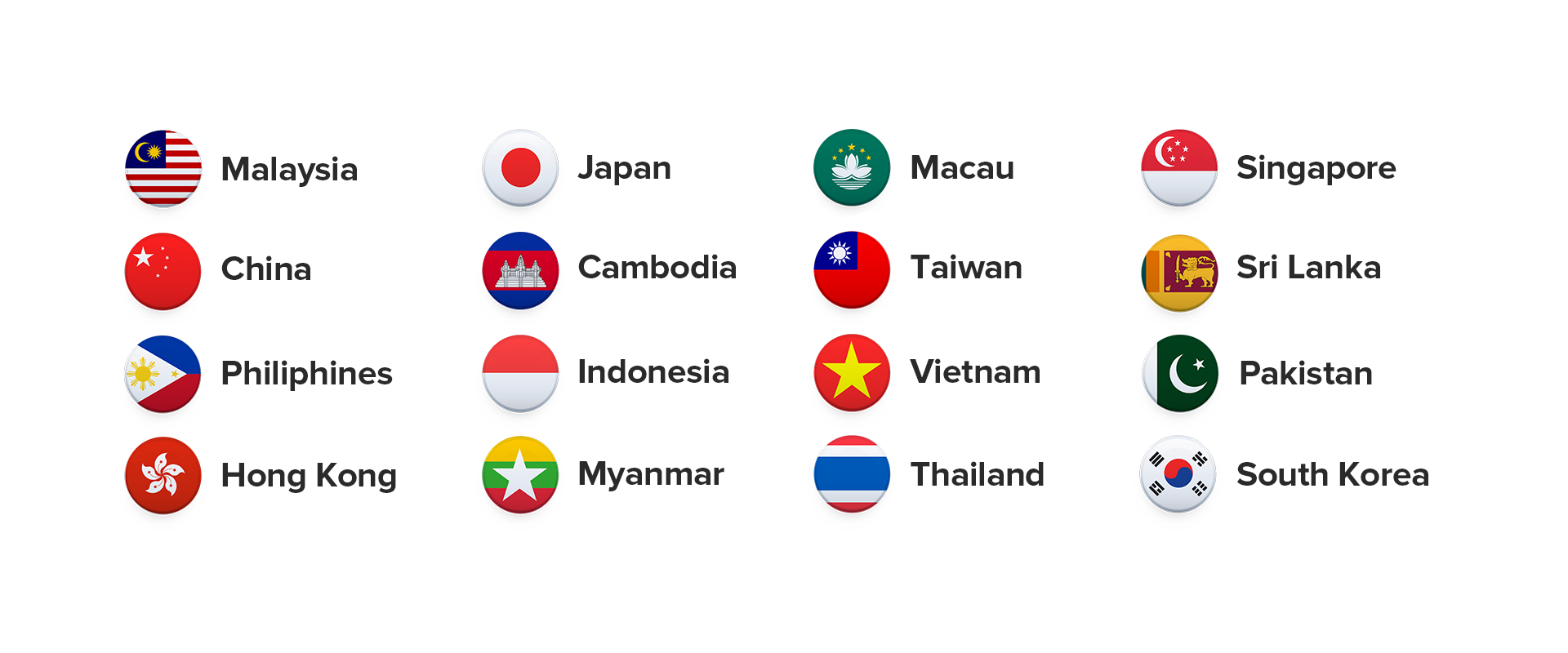
Free Roaming to Countries in the Same Zone
ASIA
Cambodia
China
Hong Kong
Indonesia
Japan
Macau
Malaysia
Myanmar
Pakistan
Philippines
Singapore
South Korea
Sri Lanka
Taiwan
Thailand
Vietnam
Features Loved by Parents & Kids
EFFORTLESS COMMUNICATION
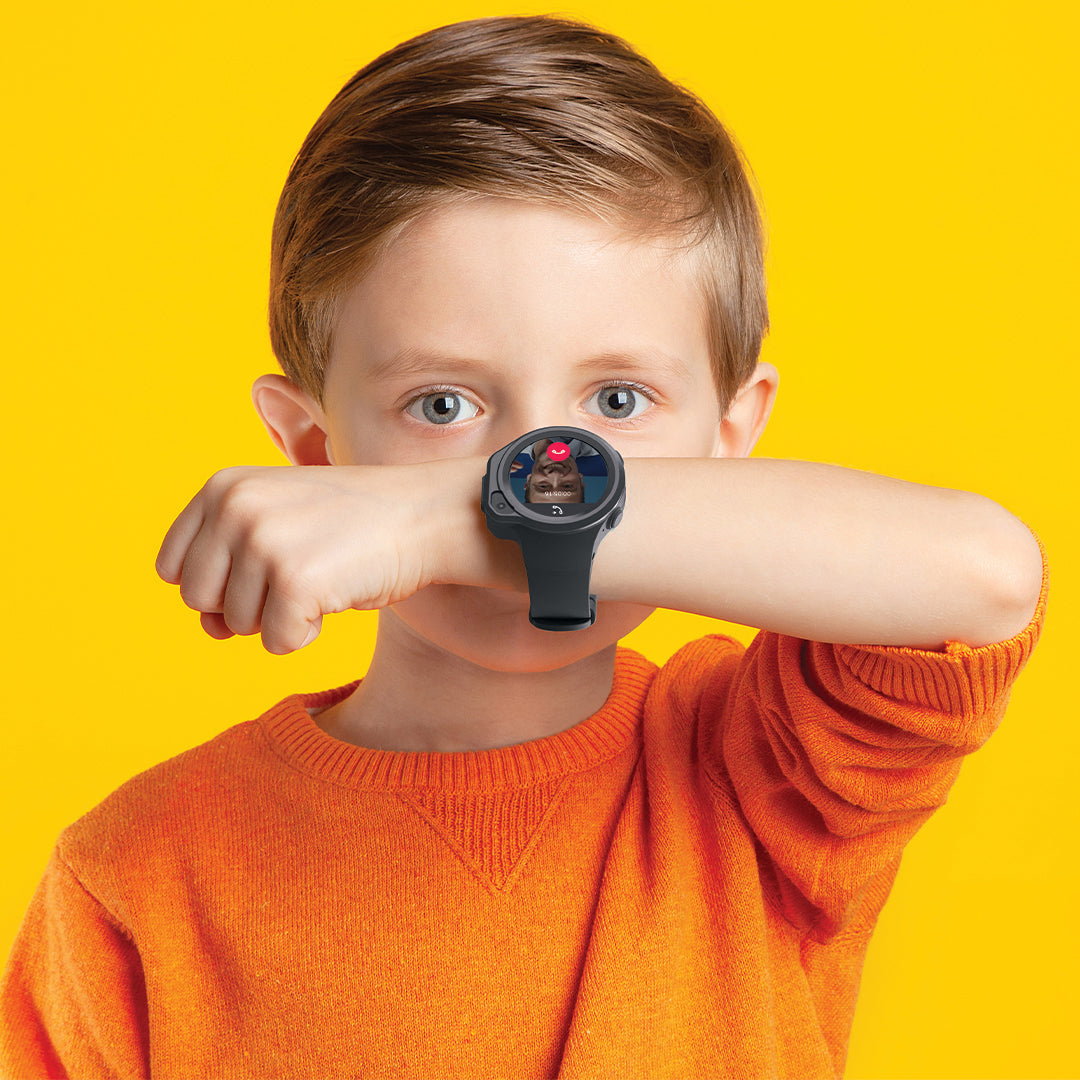
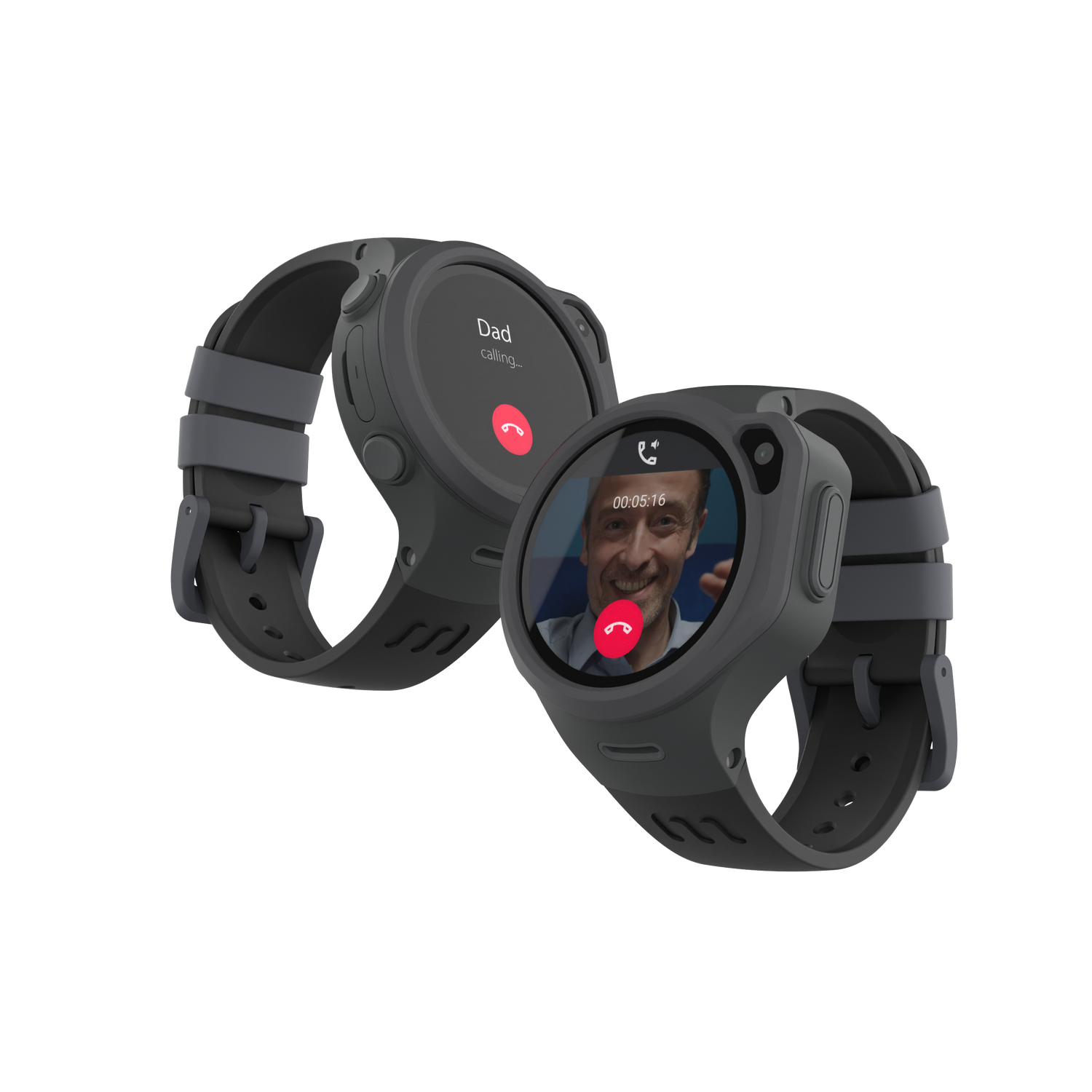
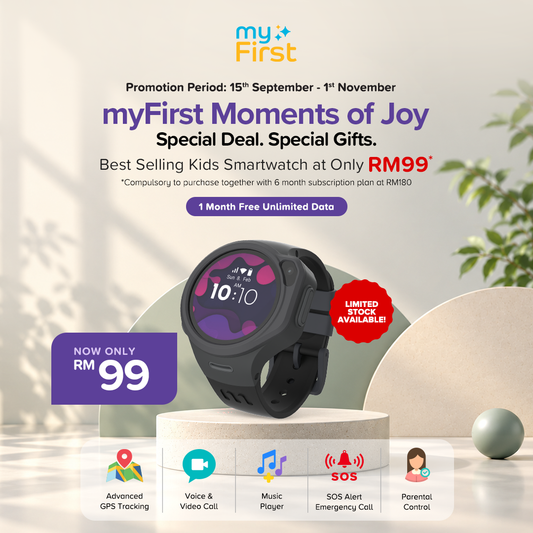
Voice & Video Call
Bridge distances effortlessly through reliable capabilities. These features enable you to share moments, advice, and support in real-time, enhancing your child's sense of security and connection, regardless of where they are. Call your child anytime whether it's a quick chat to check in on them or a heartfelt conversation
GPS Precision Location
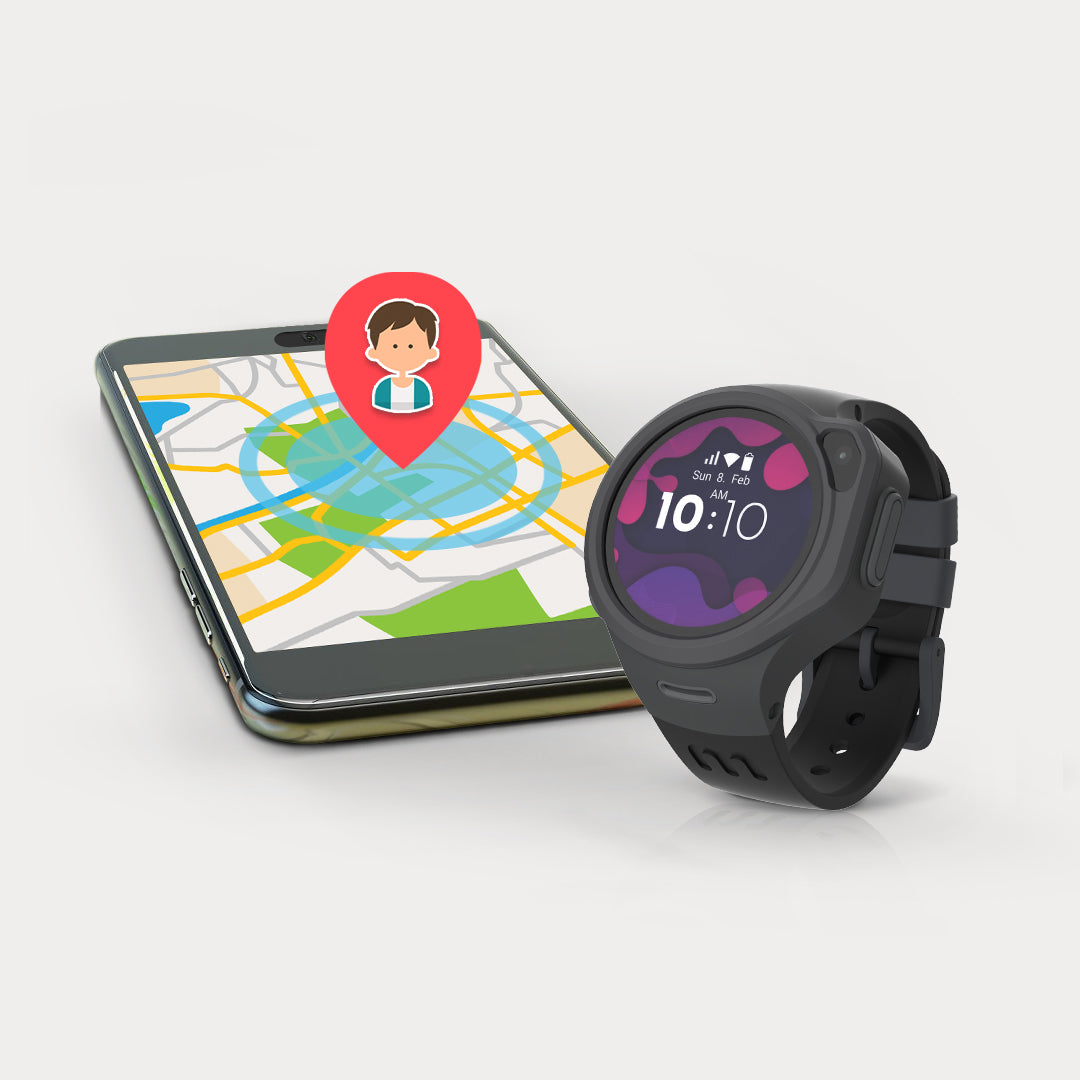
Precise Tracking
Track your child's movements accurately with the GPS precision location feature. Instantly locate them on a map, whether they're at a friend's house, school or any destination, ensuring their safety. Whether it's confirming their route to school or finding them in a crowded place, this feature provides invaluable peace of mind, making it the best kids watch in Malaysia.
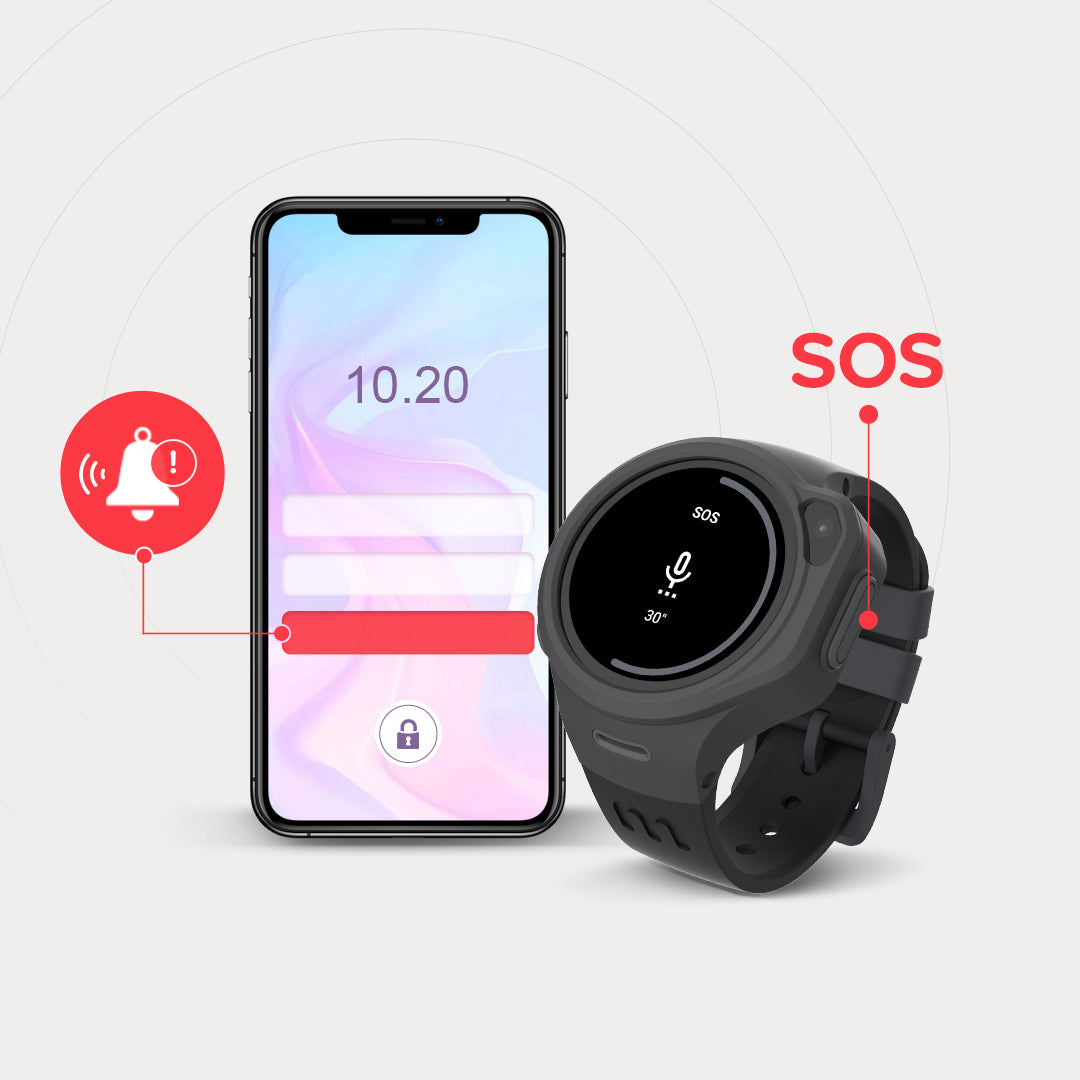
PRIORITIZING SAFETY
One-Touch SOS
Safety is just a touch away with the SOS emergency call feature. Should your child find themselves in an urgent situation, upon activation, parents receive an instant emergency location alert coupled with a 30-second live recording of ambient sounds, ensuring swift and accurate response.
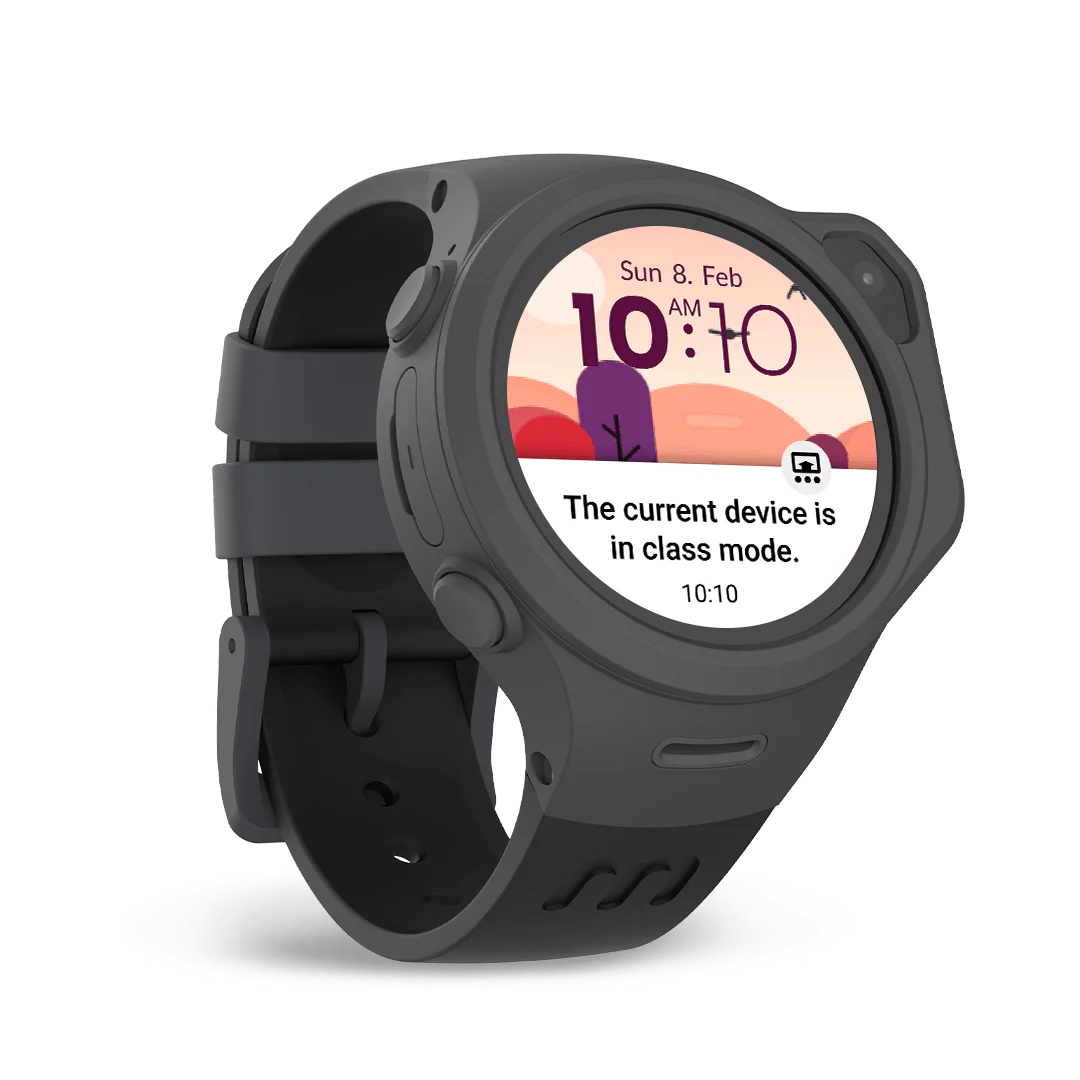
DISTRACTION-FREE LEARNING
Class Mode
Create an optimal learning environment for your child with Class mode. Minimize distractions during study hours to provide the focused space they need for homework, learning apps, and exploration. Enhance their educational pursuits with a mode designed for concentrated learning.
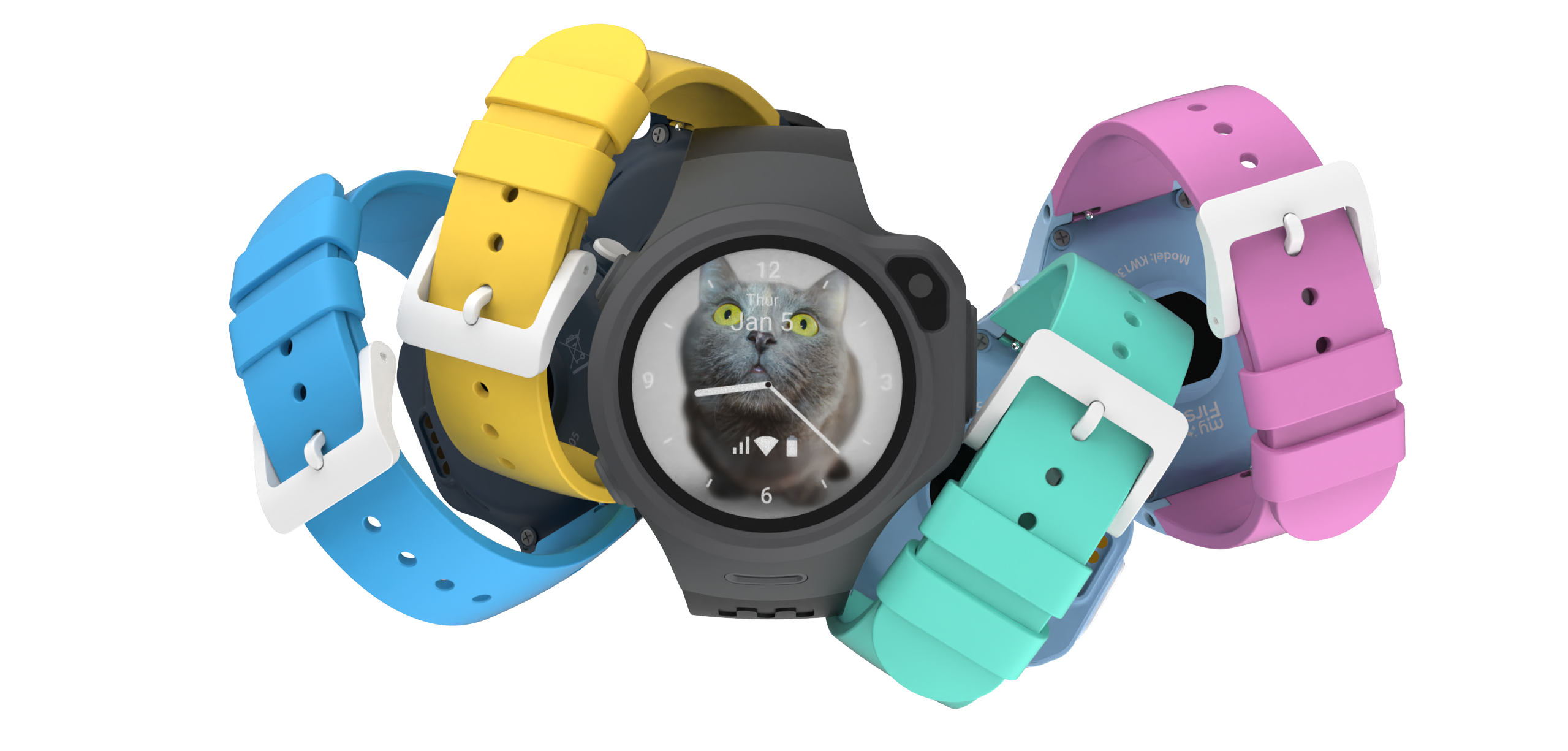
Durable & Powerful
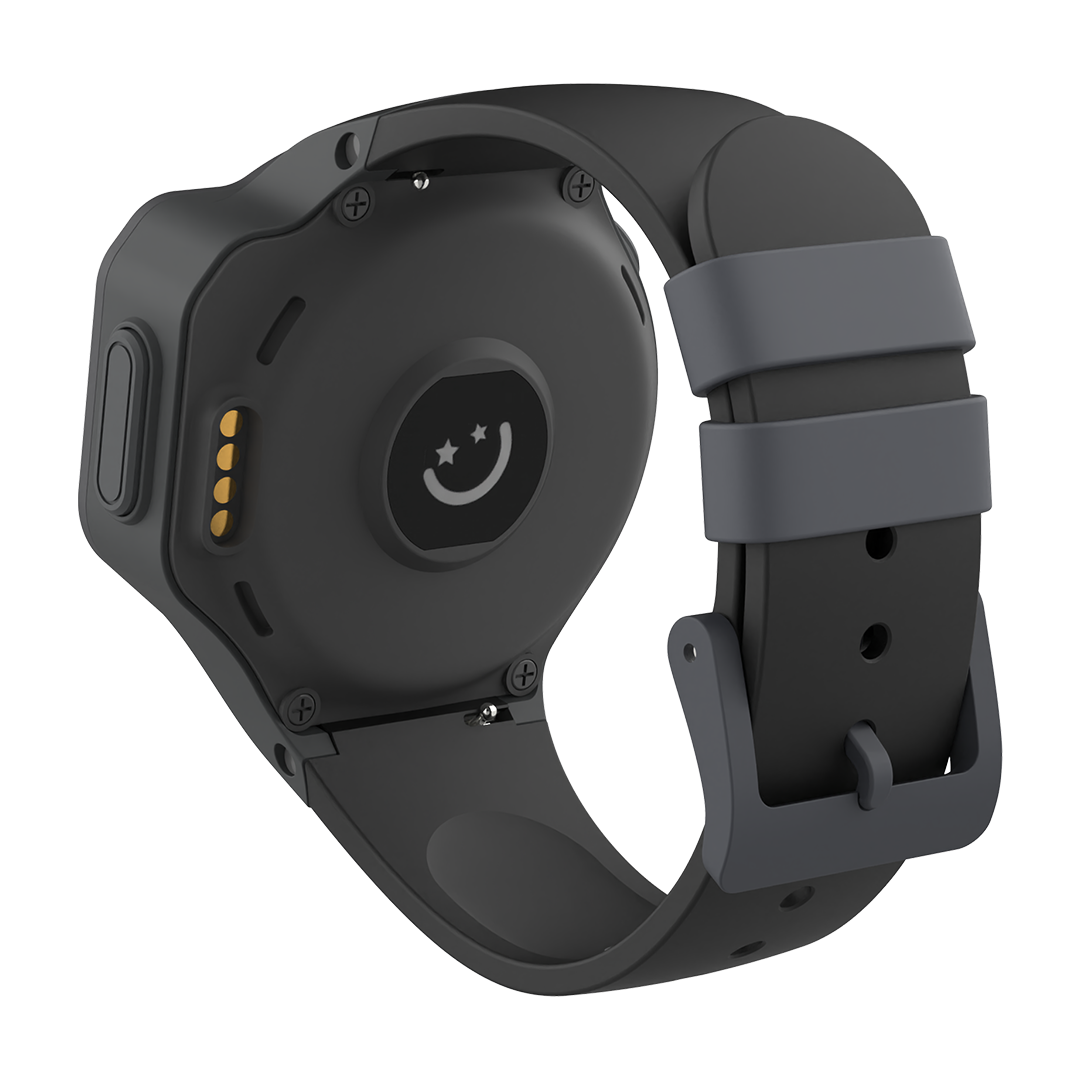
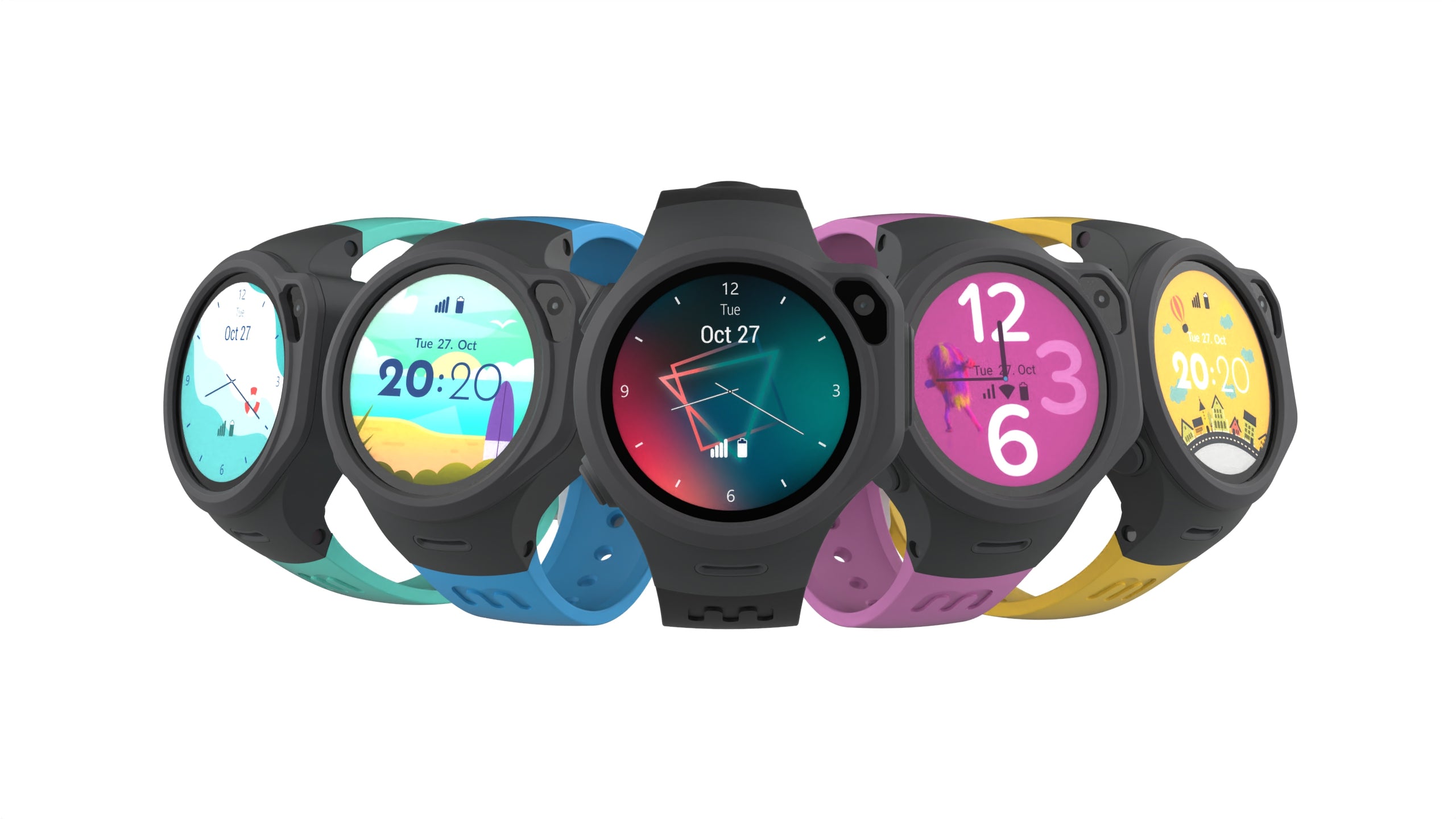
Change your straps to fit your kid's style! The interchangeable strap comes in 8 different colors. Mix and match to fit your kid's style and preference.
More Features You'll Love!
-

Pedometer with Gravity Sensor
Encourage an active lifestyle with the integrated pedometer and gravity sensor. By counting every step, this feature inspires your child to stay active and make healthier choices in their daily routines.
-

Geofencing Safe Zone
By defining virtual boundaries, you receive instant notifications when your child enters or exits designated areas, ensuring their safety is always prioritized.
-

MP3 Player
Elevate your child's daily experiences with an on-the-go music player right on their wrist. With the capacity to store up to 500 songs, your child can enjoy their favorite tunes anytime, anywhere.
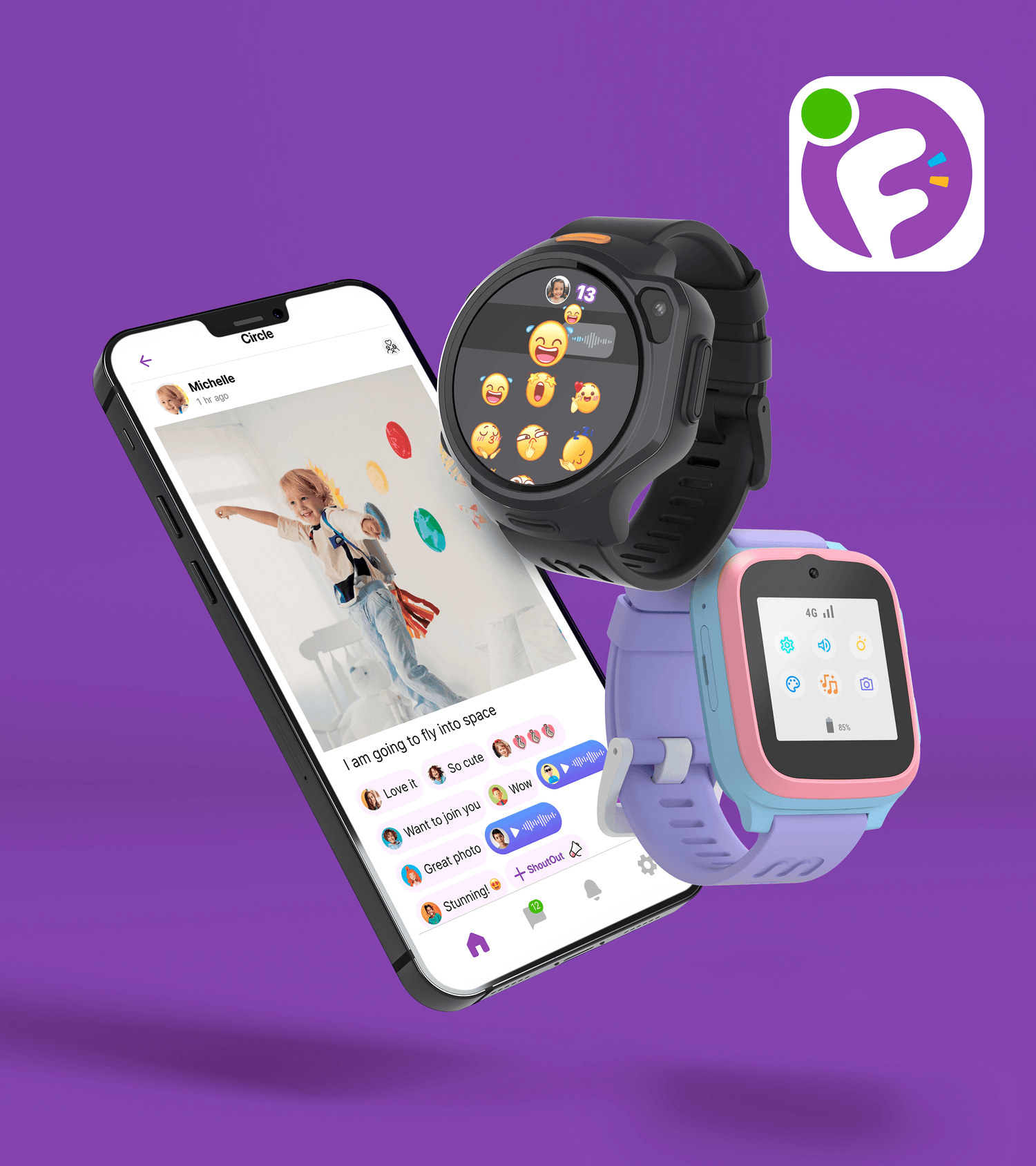
myFirst Circle: A Connected Ecosystem for Families
The call, messaging and social sharing app for Families, Children and Friends.
-
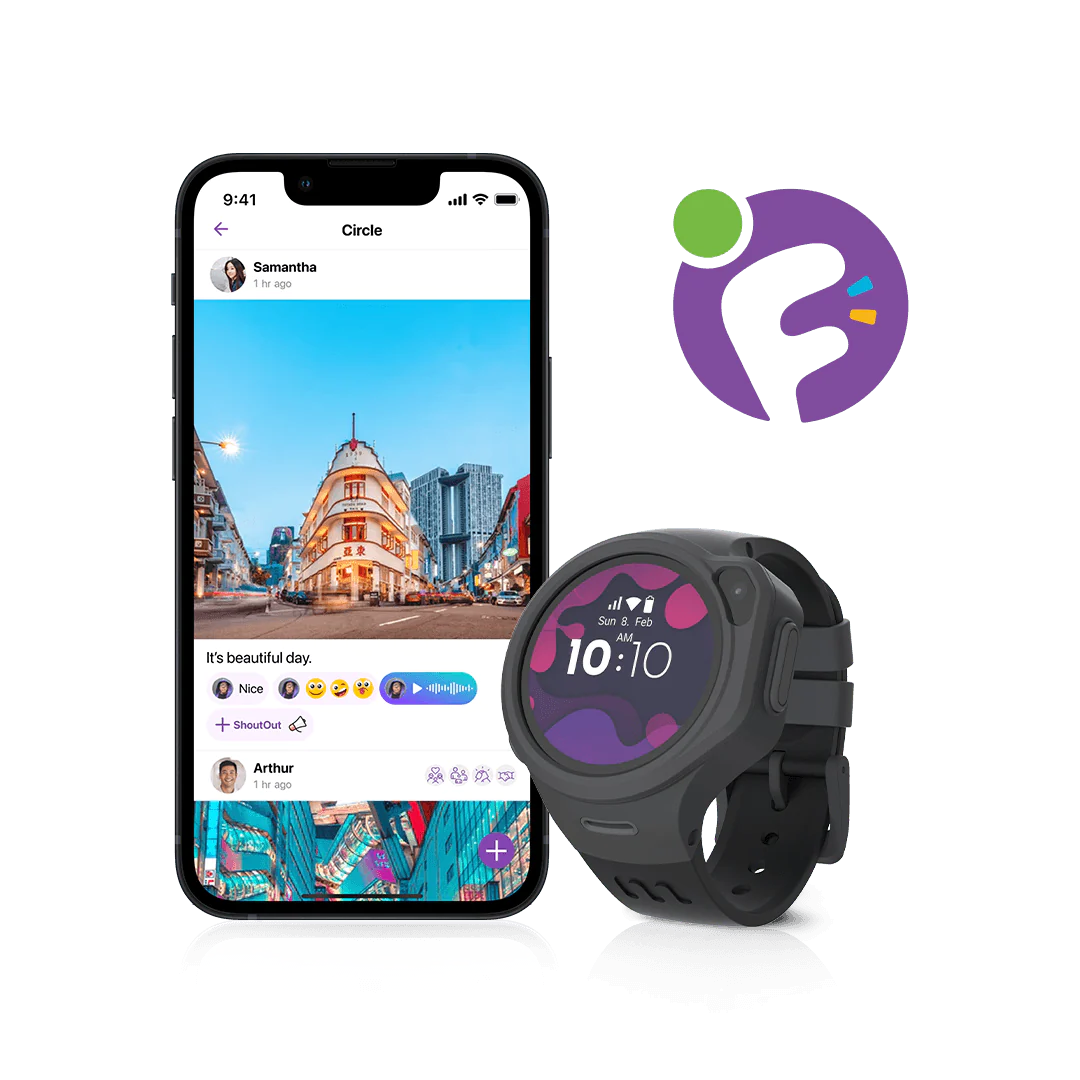
Upgraded myFirst Circle App
Elevate your parenting experience with the upgraded myFirst Circle App, providing you with a comprehensive overview of your child's activities. Download the app and instantly connect with your kid's watch.
-
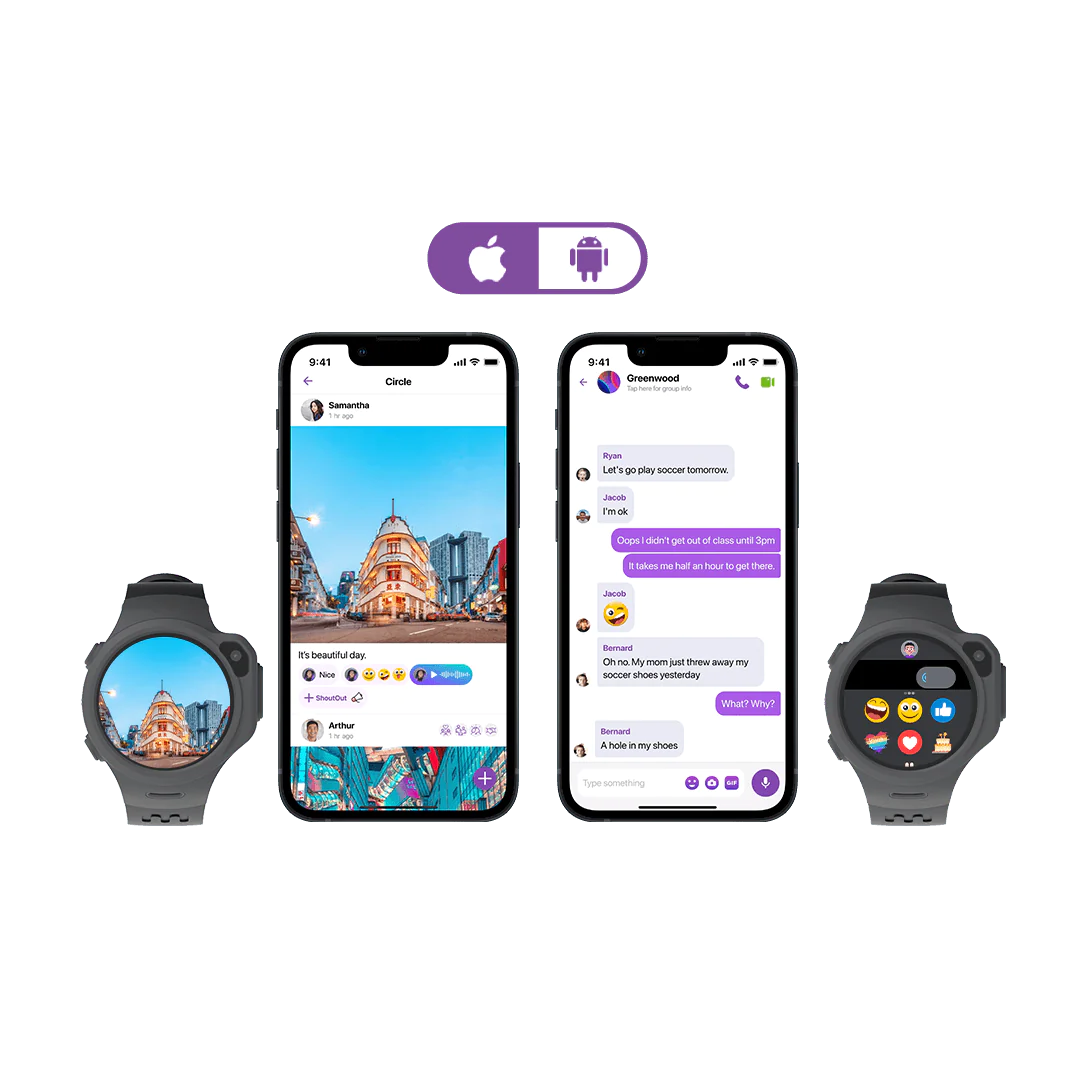
Secure Communication
Protect your child's communication privacy with the whitelisted contacts feature. This ensures that only trusted individuals can connect with your child, providing a secure and controlled environment. You have full control over who can reach out, allowing your child to build meaningful connections while staying protected.
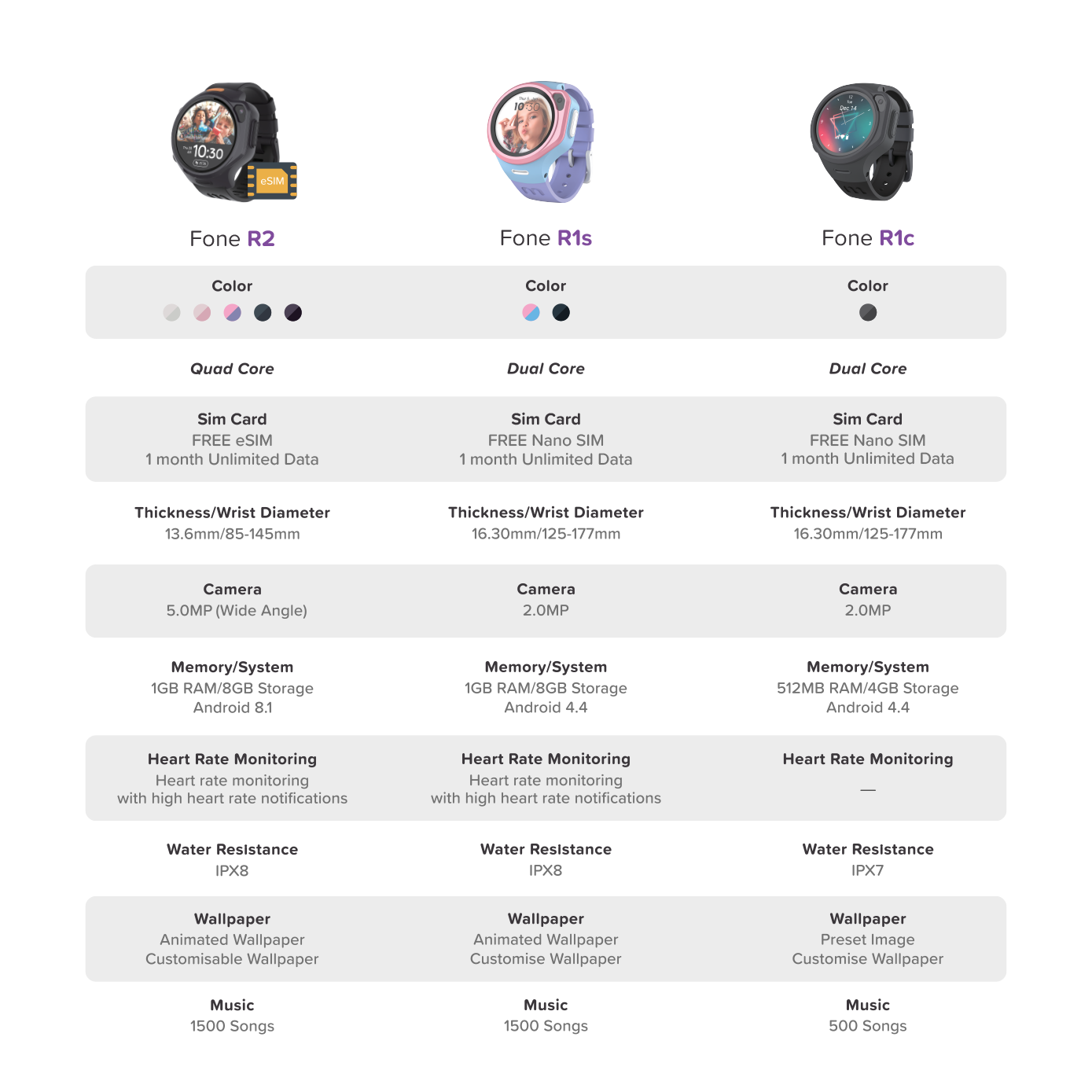
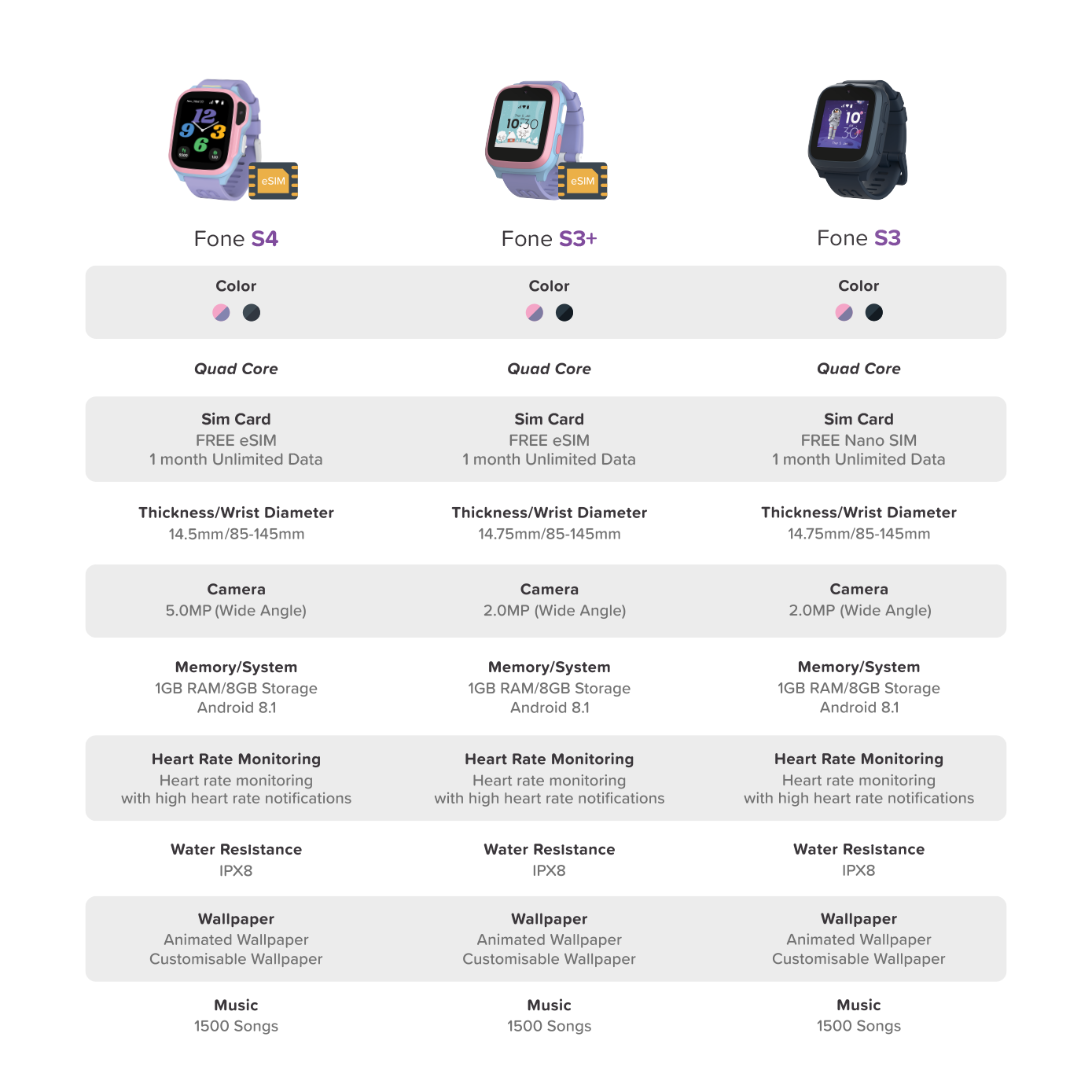
Stuck choosing? Check out our comprehensive smartwatch comparison here.
Technical Details
Product Specifications
- Model: myFirst Fone R1c
- Display:1.3 inch TFT 240*240
- Camera: 2MP front camera
- Battery Capacity: 580 mAh, 3.7V
- Storage: 512MB RAM | 4GB Storage
- Operating System: FoneOS [Android 4.4]
- SIM Card: Nano SIM
- Processors: Spreadtrum SL8521E
What's In the Box
- myFirst Fone R1c
- PCCW SIM Card
- USB Magnetic Charging Cable
- Decorative Stickers x2
- User Manuals
-
myFirst Fone M1
Regular price RM429.00 MYRRegular price -

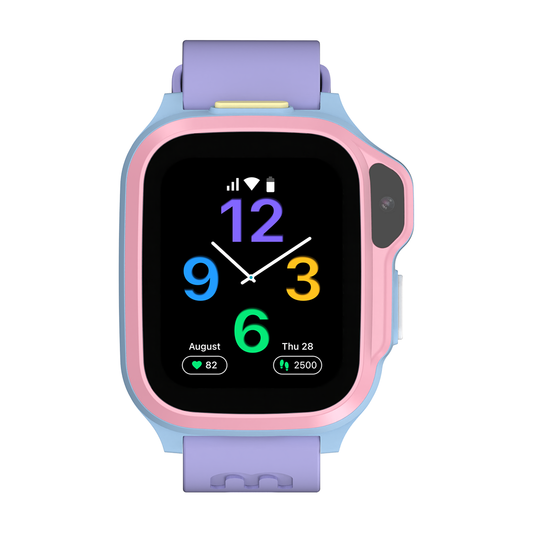 Sale
SalemyFirst Fone S4
Regular price RM799.00 MYRRegular priceRM999.00 MYRSale price RM799.00 MYRSale -

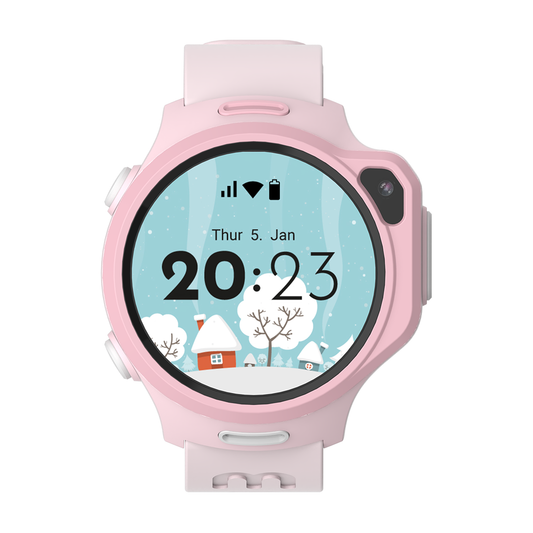 Sale
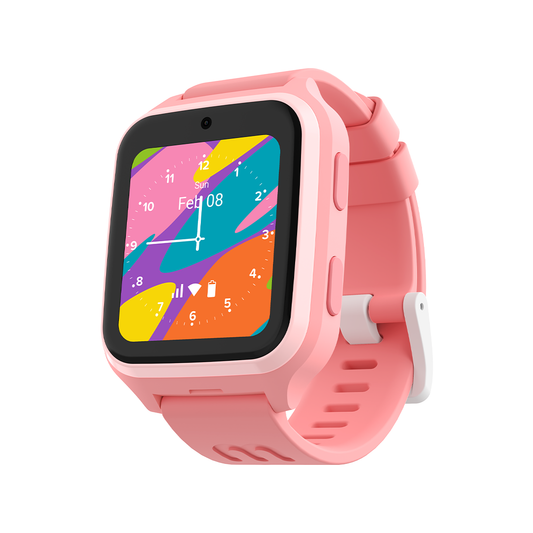
SalemyFirst Fone R2
Regular price RM999.00 MYRRegular priceRM1,099.00 MYRSale price RM999.00 MYRSale -
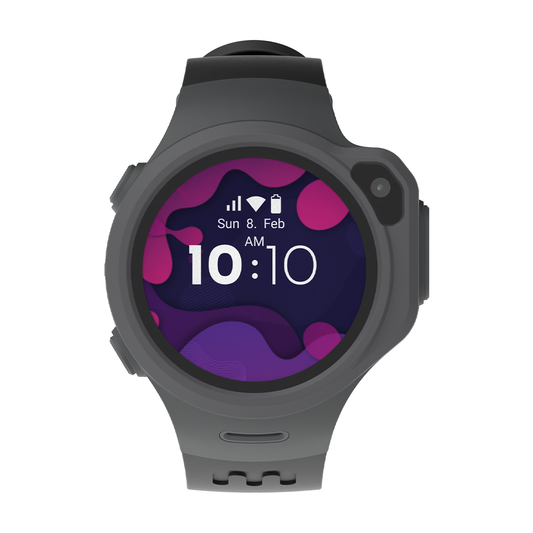
myFirst Fone R1c
Regular price RM599.00 MYRRegular price


Frequently Asked Question
Can I use myFirst Fone R1c while swimming or showering?
The myFirst Fone R1c is NOT recommended for use while swimming or showering.
Although the device is water resistant, it is NOT waterproof. This means it can ONLY handle occasional splashes or brief submersion in water, but it is NOT designed for extended exposure to water, particularly when there is significant water movement.
What type of SIM is used for myFirst Fone R1c?
myFirst Fone R1c uses myFirst Nano SIM Card for seamless connectivity.
- Comes with a FREE nano SIM card (first month unlimited data, free).
- From the second month onwards: RM30/month or RM288/Yearly for unlimited data, including FREE data roaming within supported countries.
- You can switch to another telco, but confirm they support IoT/child smartwatch devices.
- In Malaysia, we recommend Celcom for the best network coverage.
View list of supported countries here.
How long can the battery last on myFirst Fone R1c?
The myFirst Fone R1c lasts up to 8 hours under normal usage.
We recommend charging it daily to keep your child connected.
Tips to extend battery life:
- Lower screen brightness
- Limit continuous video calls
- Turn off GPS tracking when not needed
Here are some tips to extend the battery life of your myFirst Fone R1c.
How do I set up and activate my myFirst Fone R1c?
Setting up your myFirst Fone R1c is quick and easy!
Follow our step-by-step activation guide here:
Can I install apps like WhatsApp or YouTube?
For your child's safety, myFirst Fone R1c does not support third-party apps such as WhatsApp or YouTube.
Instead, we've created the myFirst Circle app, which allows your child to:
- Send text & voice messages
- Make voice & video calls
- Share emojis & pictures
- Chat safely in parent-approved groups
This ensures your child stays connected but always in a monitored, secure environment.