


myFirst Camera 3
myFirst Camera 3
Shipping Details
Shipping Details
Courier: J&T Express
Shipping Origin: Johor Bahru
Shipping Destination: Malaysia (Country-wide)
Estimated Delivery Time:
- Peninsular Malaysia: 1-3 working days
- Sabah & Sarawak: 3-5 working days
Warranty
Warranty
This product is covered by 12 months manufacturer's warranty. Terms & conditions apply.
Couldn't load pickup availability
Preserve Your Child's Memories Through Photograph with myFirst Camera 3
-
Ideal Age Range : Kids from age 3-12 years old
- It's not just a plaything — it's myFirst Camera 3! : Snap pro-level 16MP picture in seconds! Fire up your little one's passion for photography with our myFirst Camera 3! So easy even a child can do it!
- Perfect for Adventures: Whether you're going on vacations, sightseeing, picnics, or enjoying family-bonding activities, myFirst Camera 3 is the perfect companion to capture precious moments.


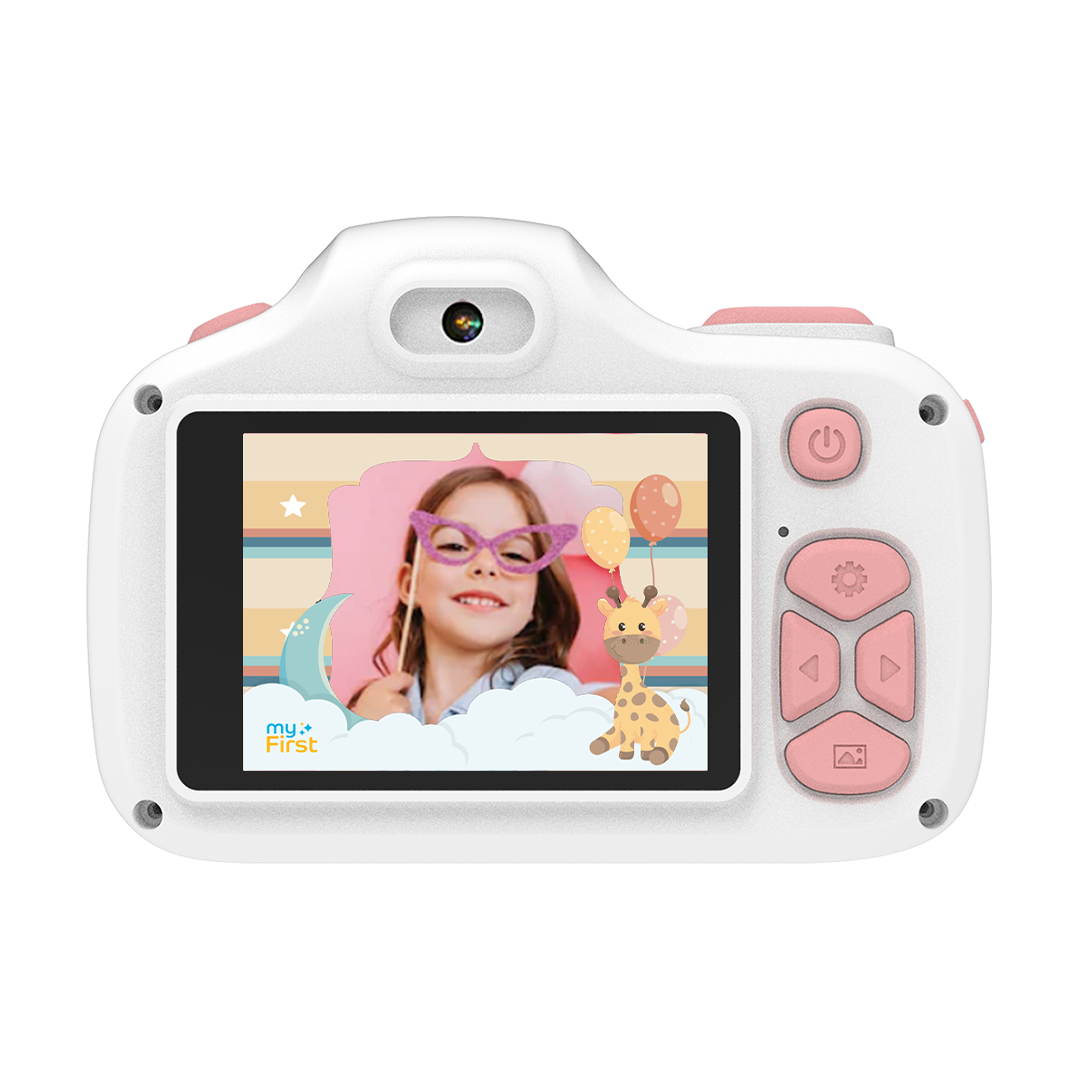


Features that Your Kids Will Love
-

Dual Lens Camera
-

Macro Lens
-

Selfie Lens
-

Video Recording
-

16MP Camera
-

HD IPS Screen
-

Fun Photo Templates
-

Up to 32GB Memory Compatible


-
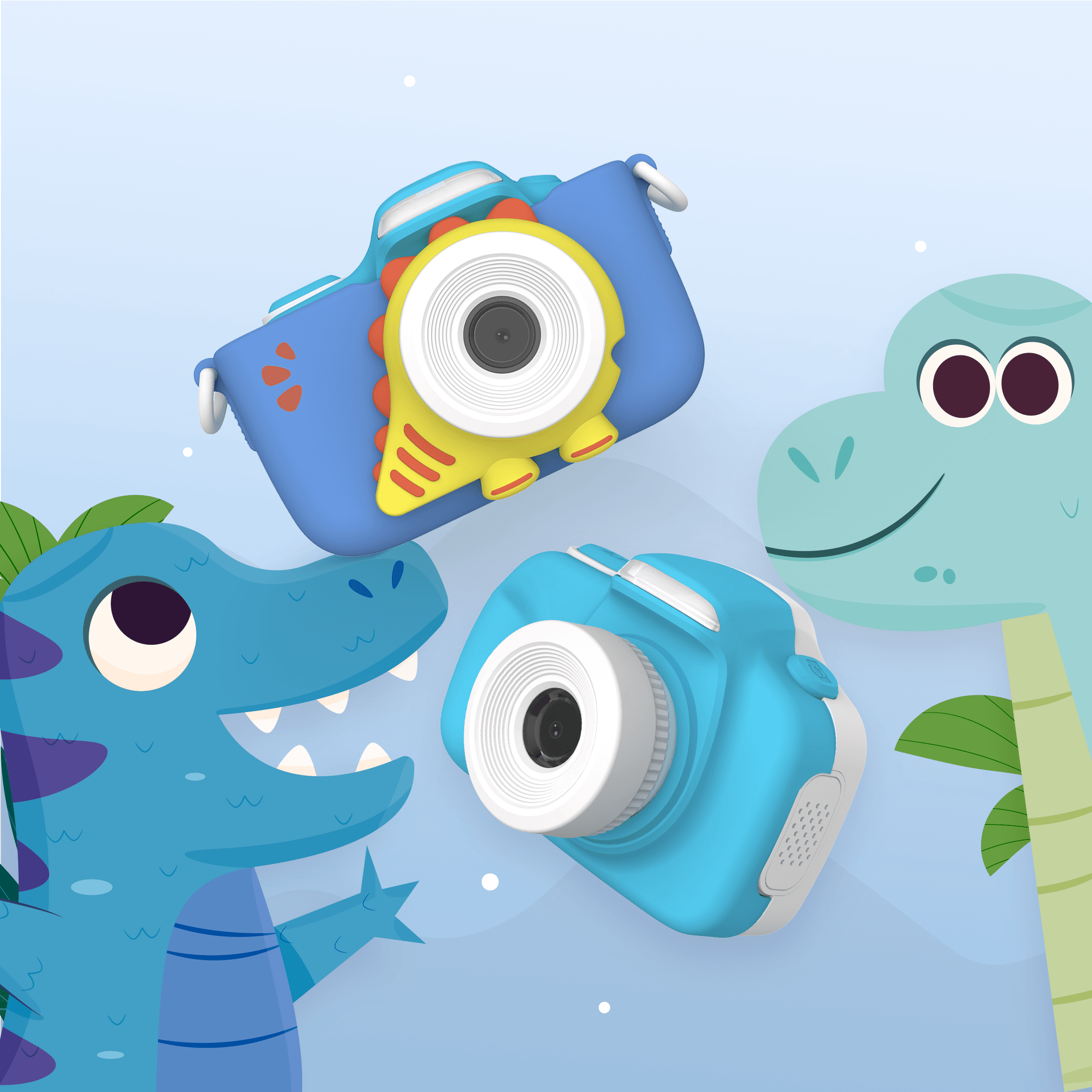
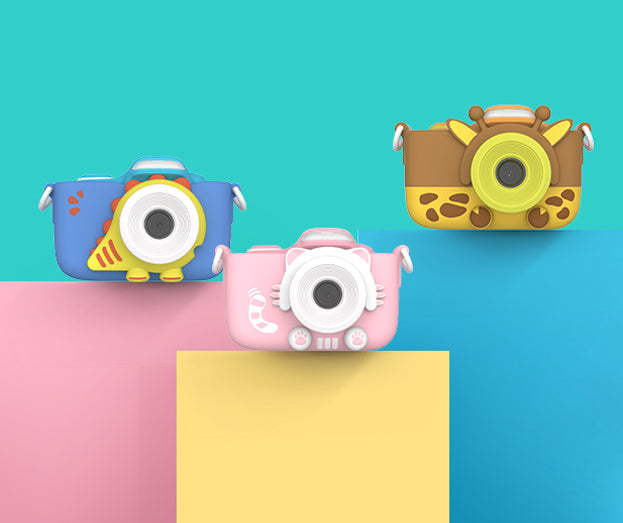
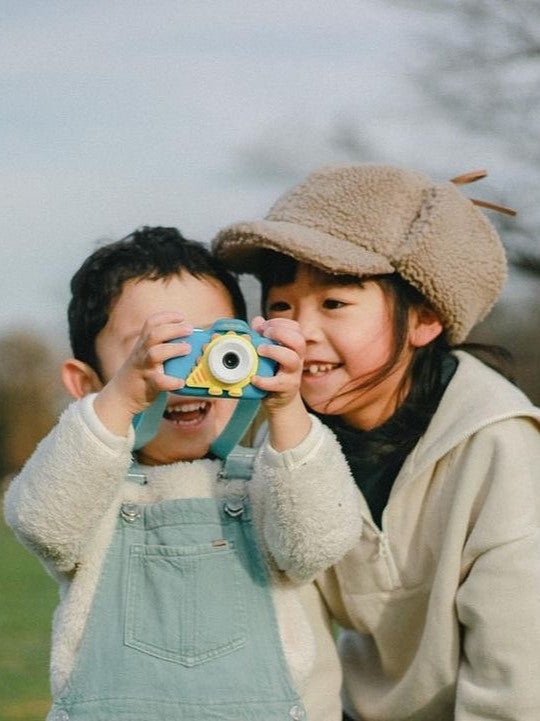
Rawrr, It's a Dinosaur!
Have you seen the pouch on the myFirst Camera 3 Blue? It's all decked out with dinosaur vibes! No wonder it's a hit with the boys (and hey, girls dig it too!).
-
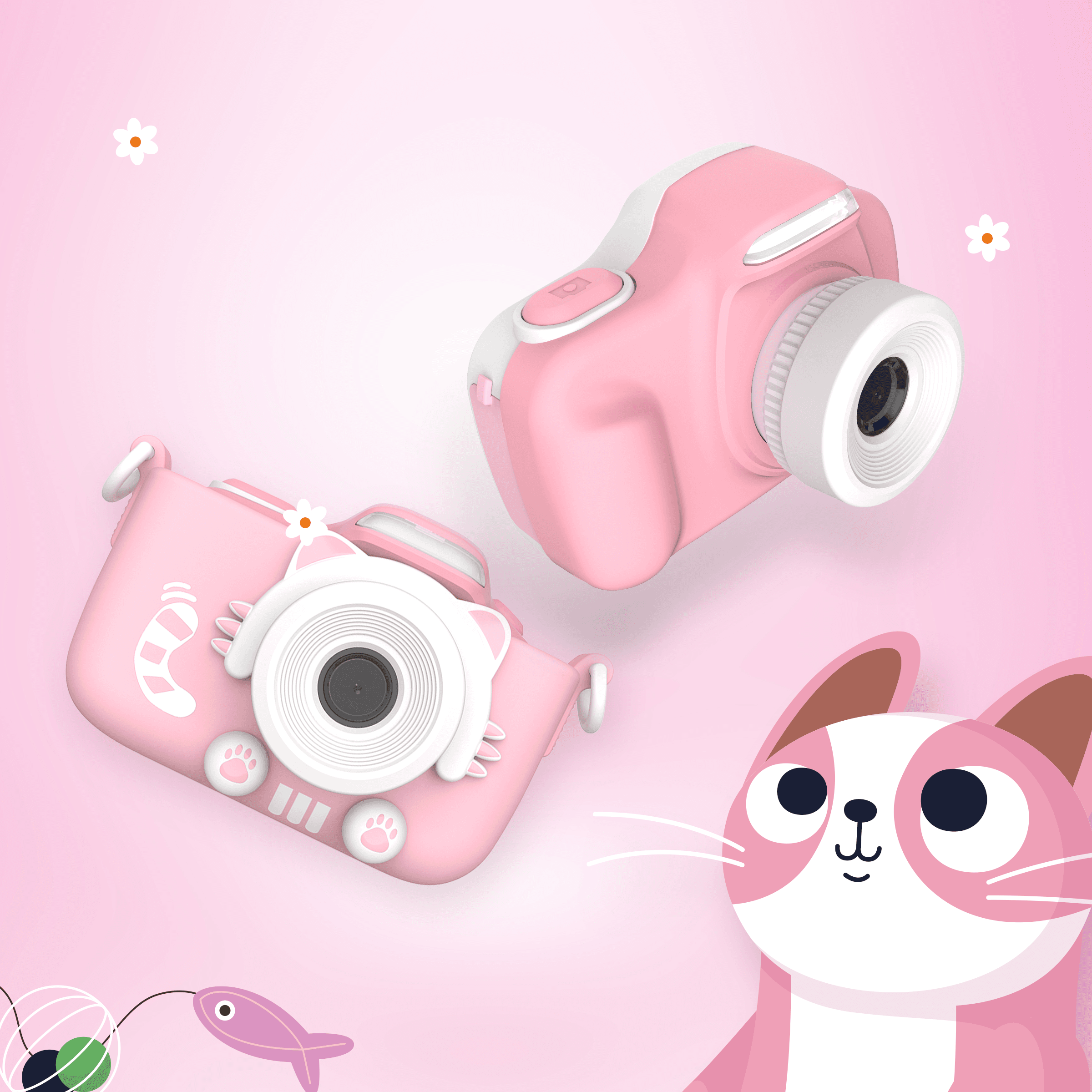
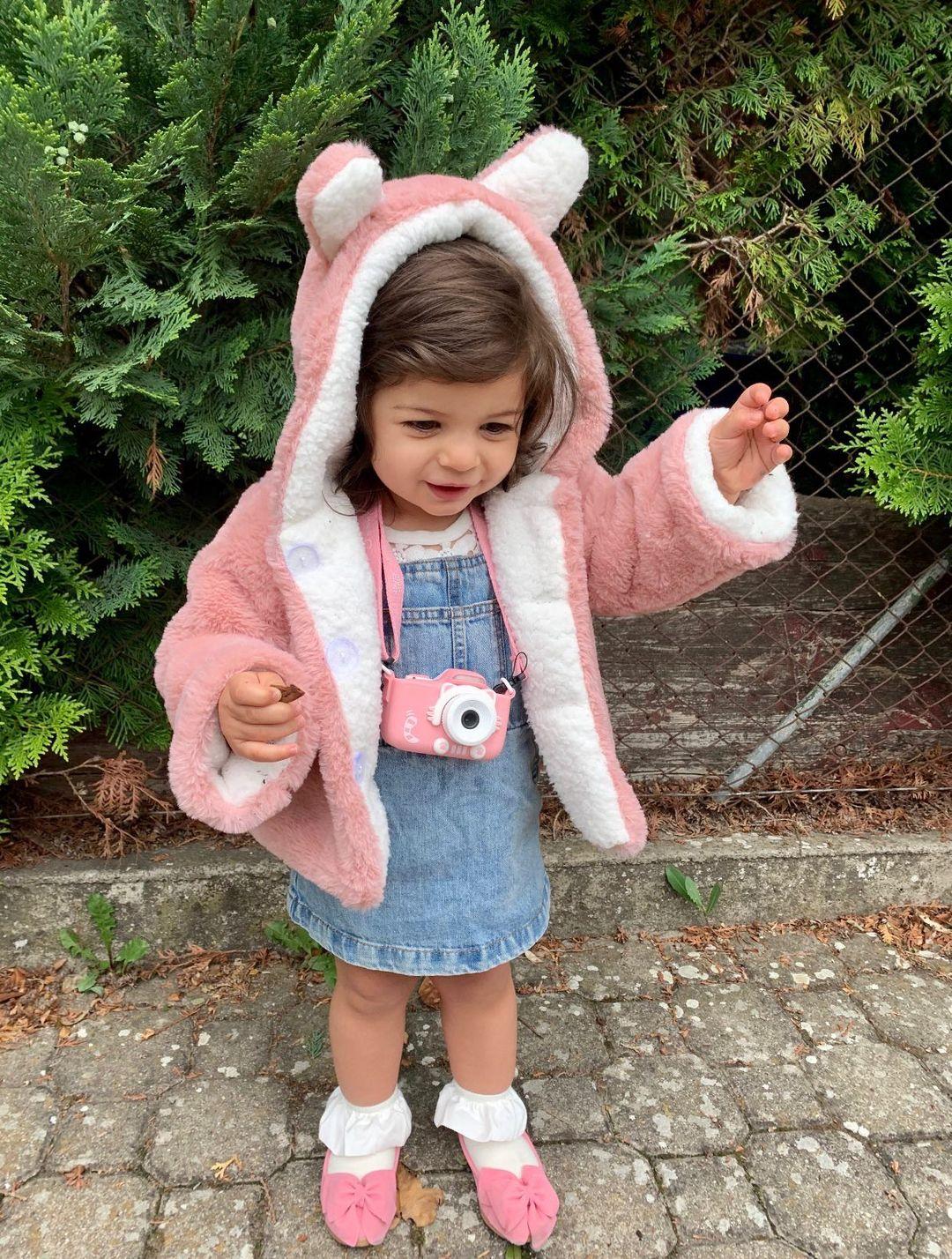
Purrr, Cute Little Kitty!
Check out the protective pouch on myFirst Camera 3 Pink! It's shaped like a cute little kitten. I mean, who can resist those adorable furballs, right?
-
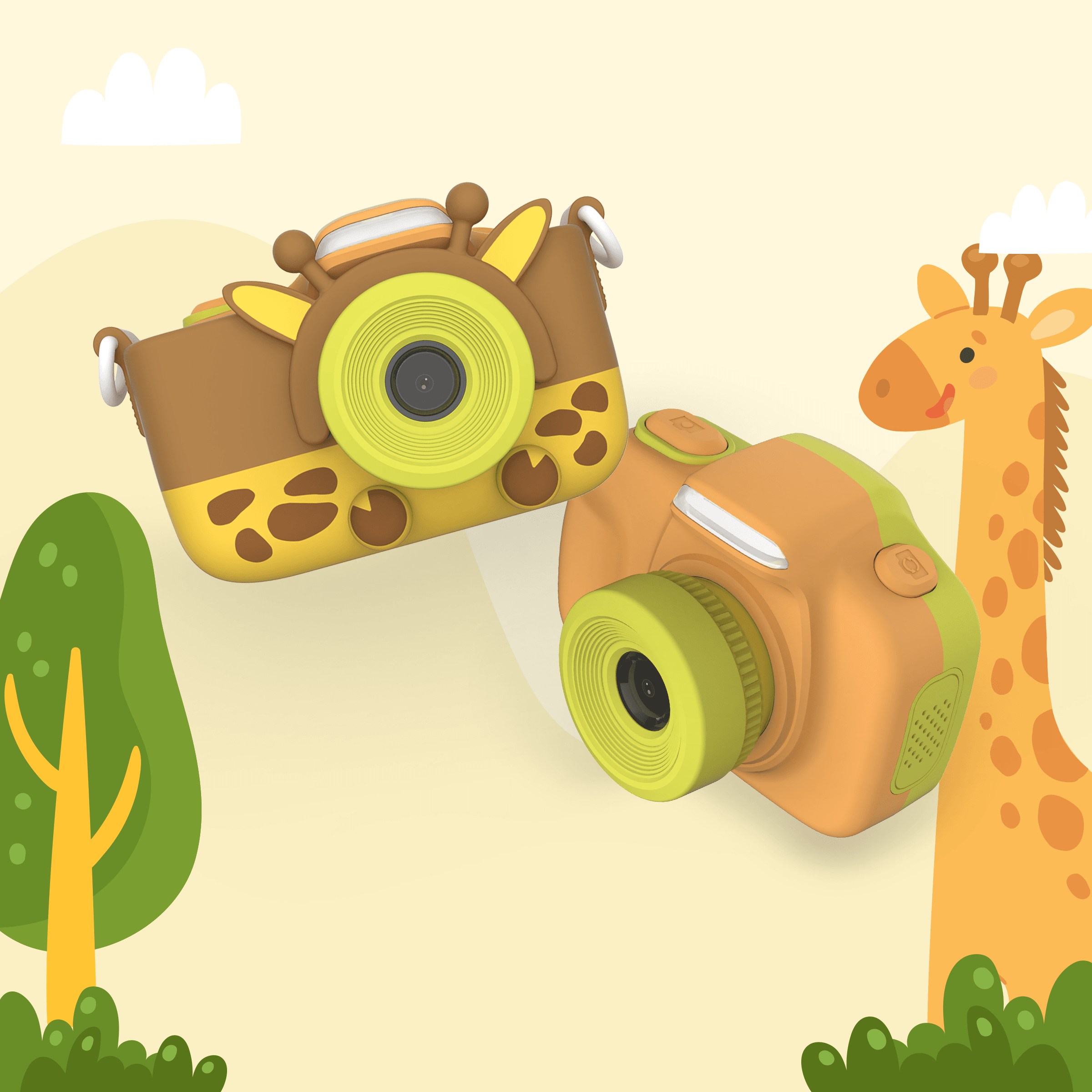
So What Does a Giraffe Sounds Like?
myFirst Camera 3 Yellow has a pouch that looks just like a giraffe! Maybe your kids could take it to the safari to meet those long necks?
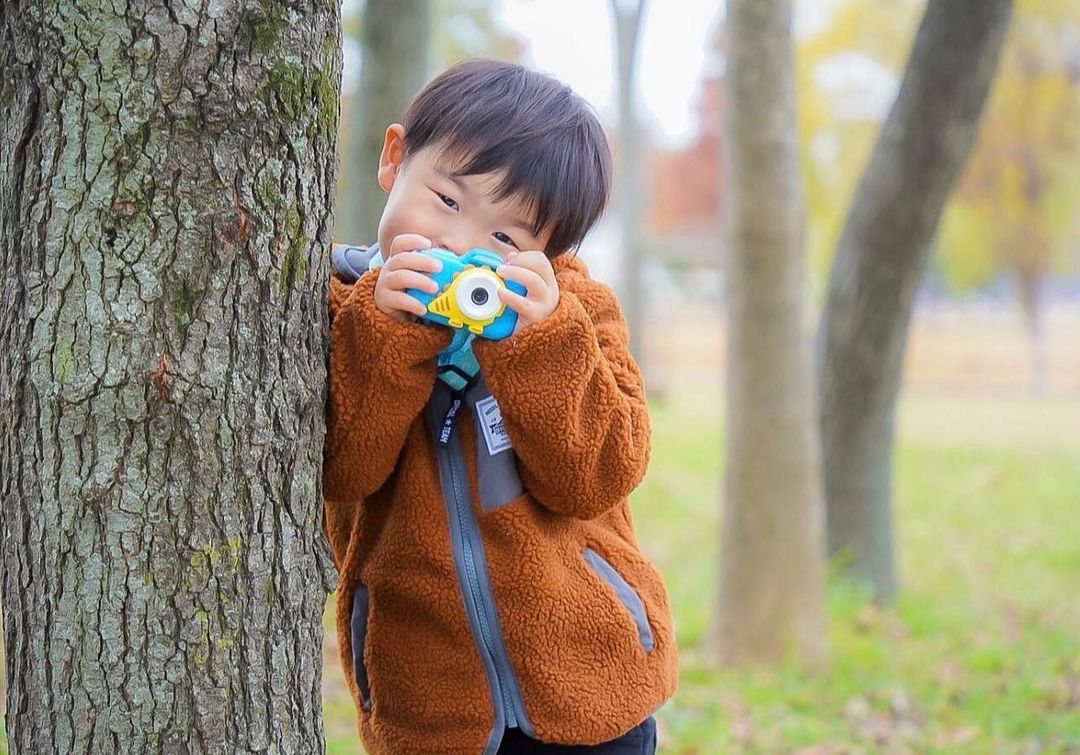
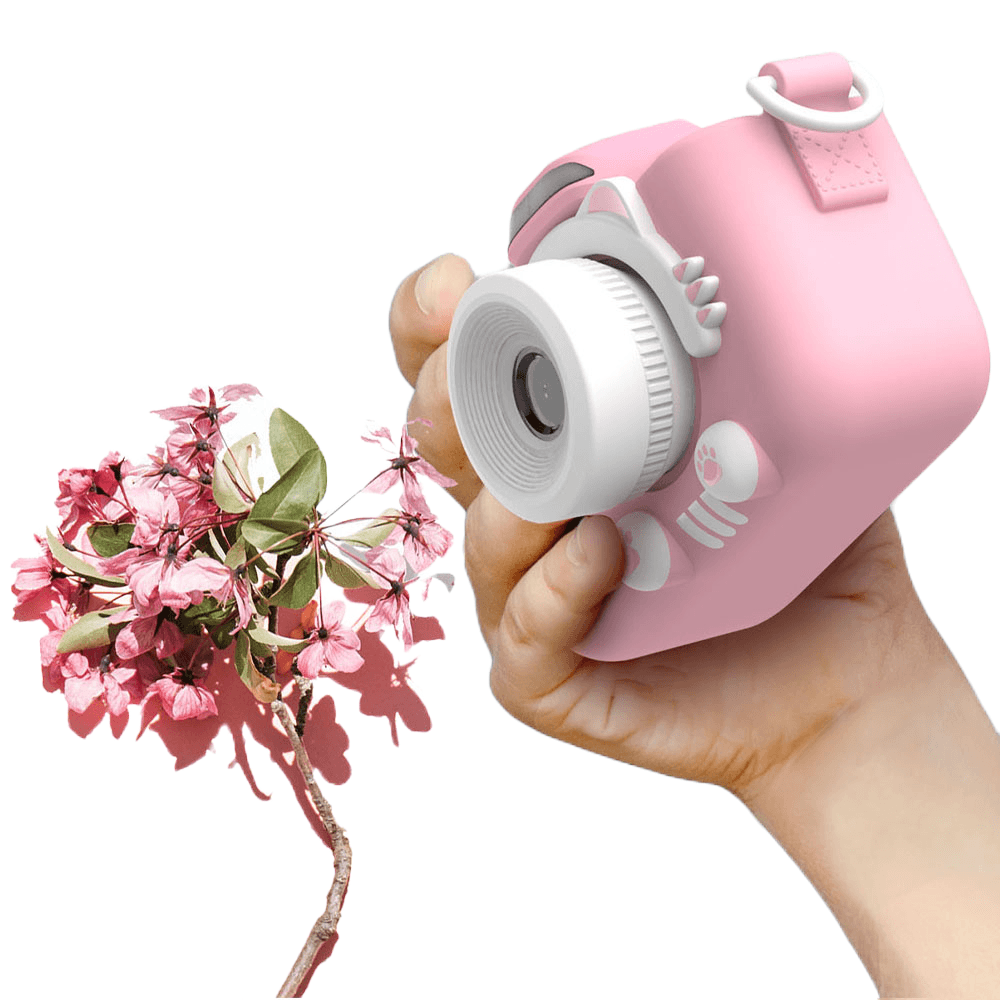
New Macro Lens
Your child can now take close up pics with the new macro lens in our camera! Perfect for those close-ups of lettuce and ladybugs.
Use the lens selector button to switch to a macro lens and see the little things in life. We’ve removed the bars to your child’s photographic creativity!
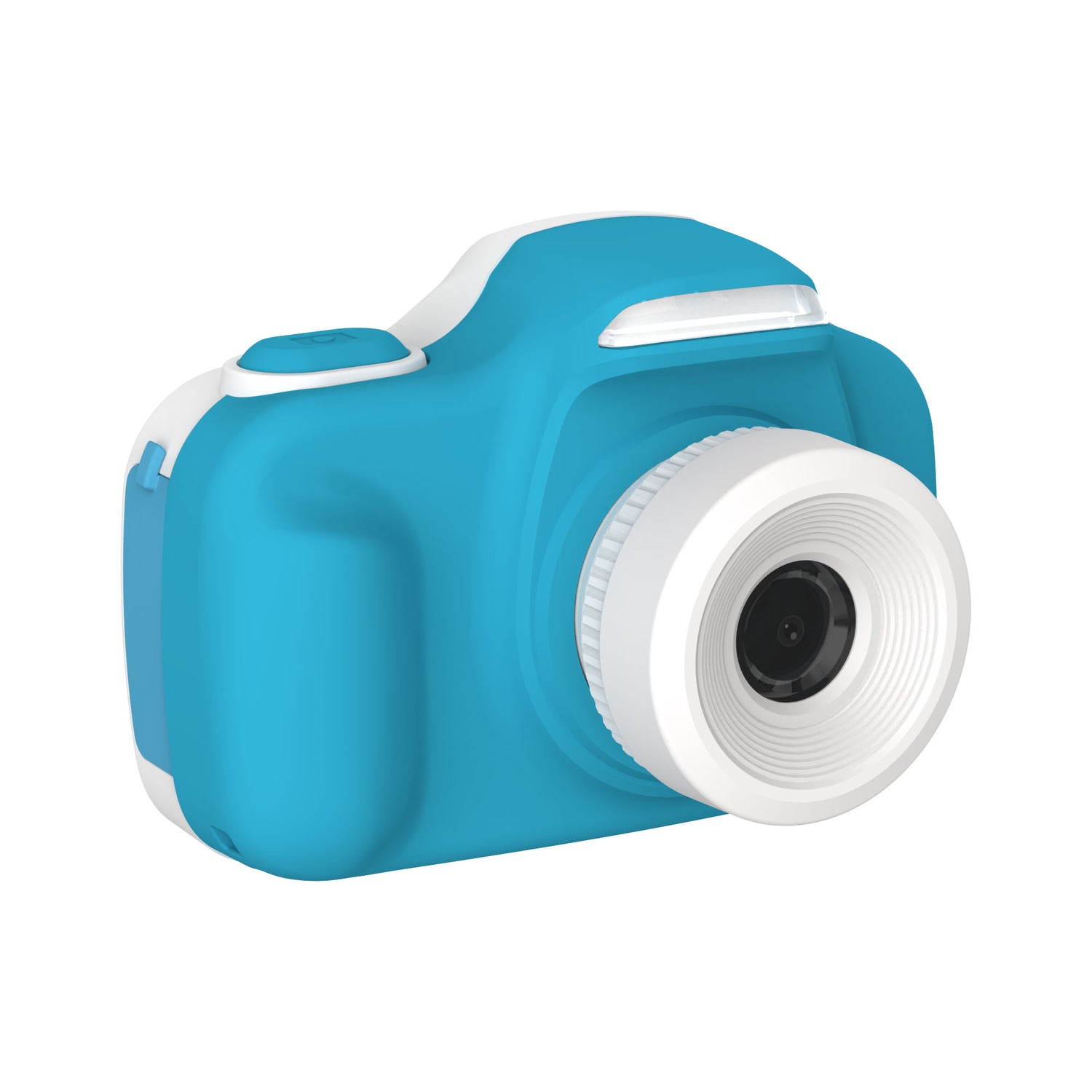
Quality Photos
With our 16MP camera, you’re assured of quality, high pixel images from your child’s perspective. Your child will take some fantastic HD photos and videos! Share the memories and see the beauty in your child’s eyes.
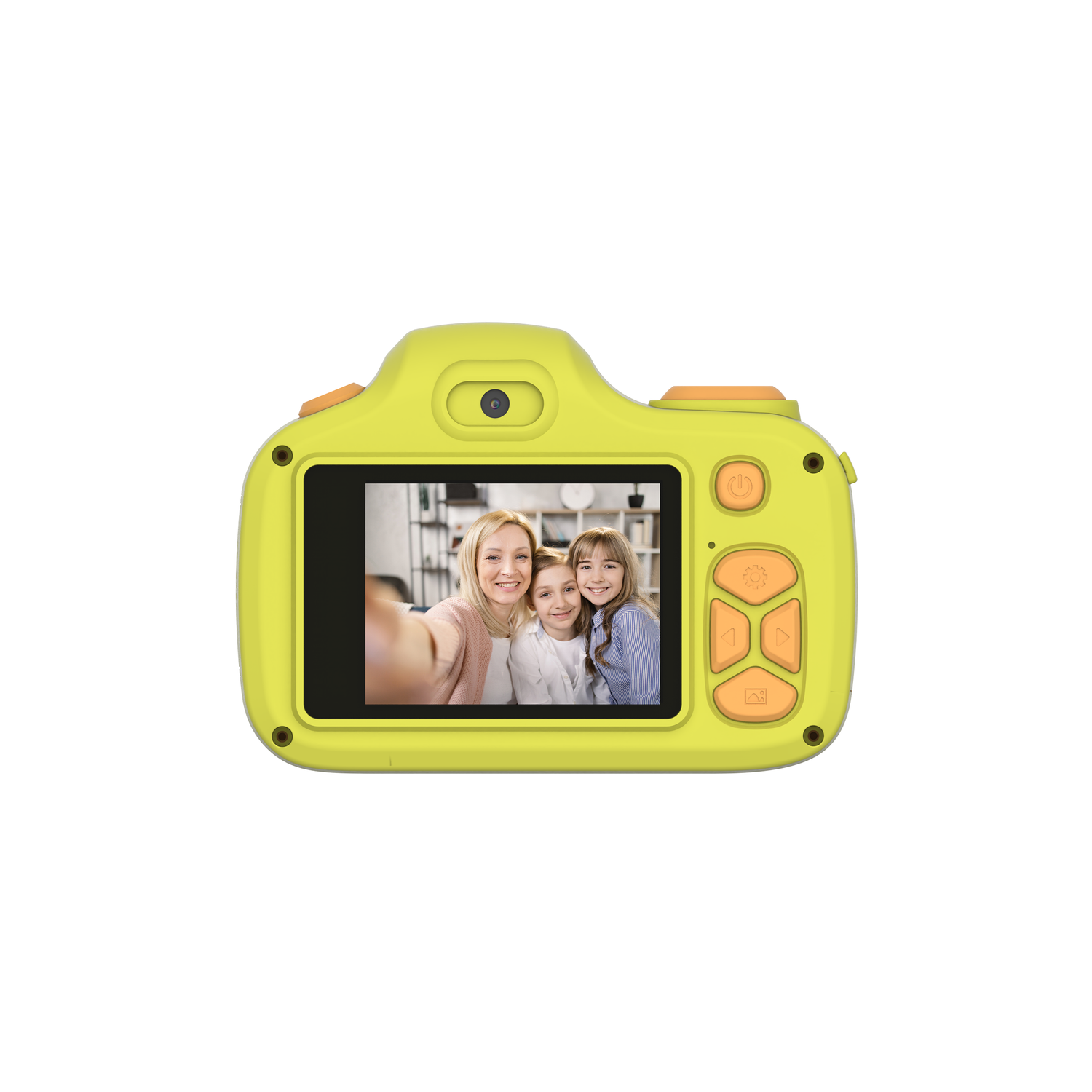
Selfie Lens
We know how difficult it is to take selfies without dropping your camera. So we’ve added a selfie lens above the screen. With a push of our lens selector button, take selfies with ease. Selfies made easy with myFirst Camera 3.
Durable and Powerful
We’re also throwing in a shockproof pouch. The pouch is made of high tensile strength polymers which resist drops, knocks, and bumps. With 1000mAh battery and supporting up to 32GB microSD card, you can be sure you and your child take plenty of photos and videos, anytime, anywhere! Sweet!
Capture Every Adventure with Camera 3


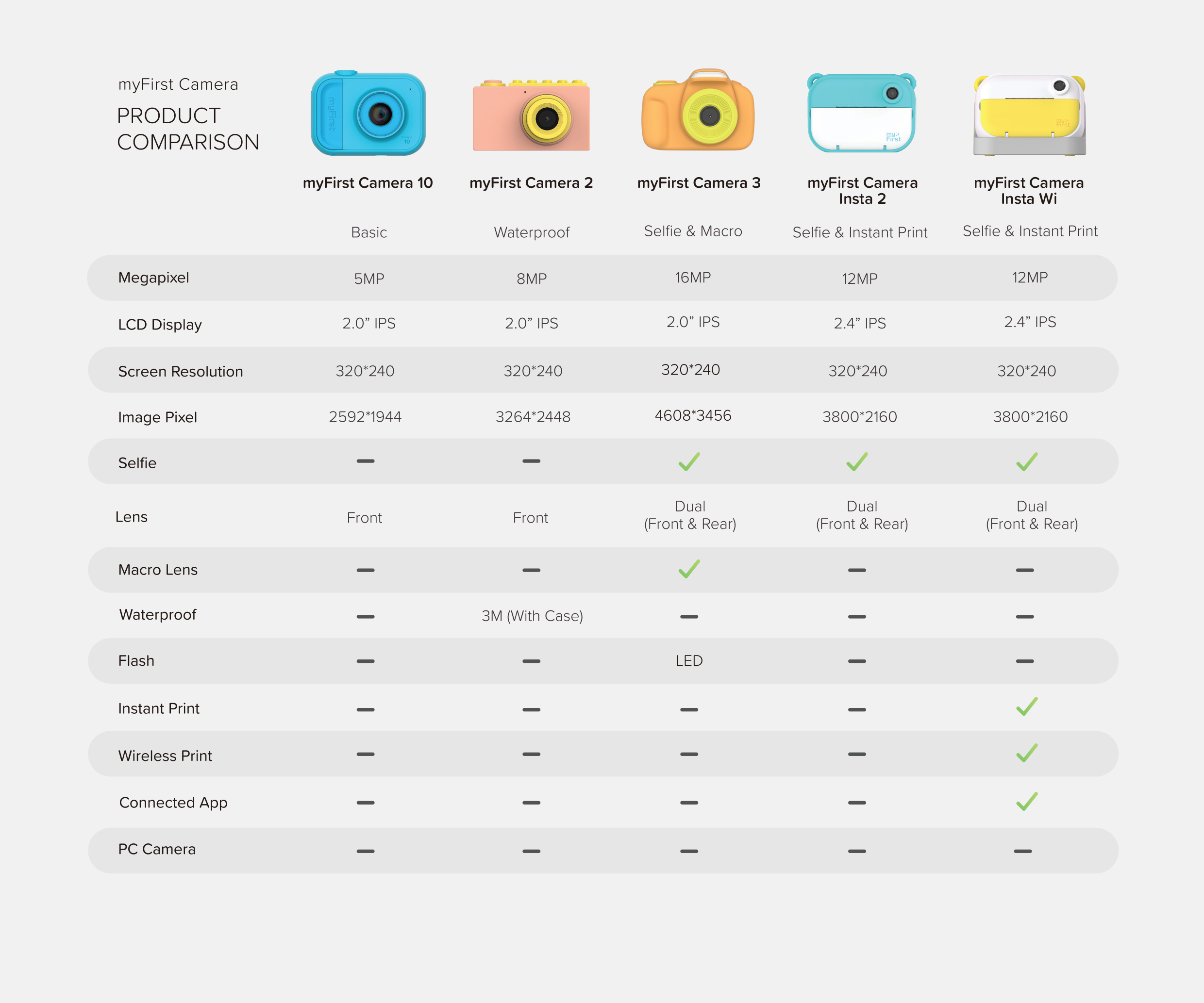
Technical Details
Product Specifications
- 2” IPS Color Screen
- Photographs & Videos
- Photo Resolution: 5M/12M/16M
- Video Resolution: 1920*1080
- Battery Capacity: 1000mAh
- Storage: Memory Card Up to 32GB
- Camera Weight: 2.82oz / 80g
- Free Shockproof Case Included
- Stickers and Neck Lanyard Included
What's in the Box
- myFirst Camera 3
- Adjustable Neck Lanyard
- Designated Pouch (Detachable)
- Decorative Stickers – 2 Stickers
- Micro USB Charging Cable
- Memory Card (Included)
- User Manual
-
myFirst Insta Lux | Kids Instant Print Camera Snap & Print
Regular price RM899.00 MYRRegular price -
myFirst Camera 50 | Safe AI Camera Designed for Kids
Regular price RM499.00 MYRRegular price -
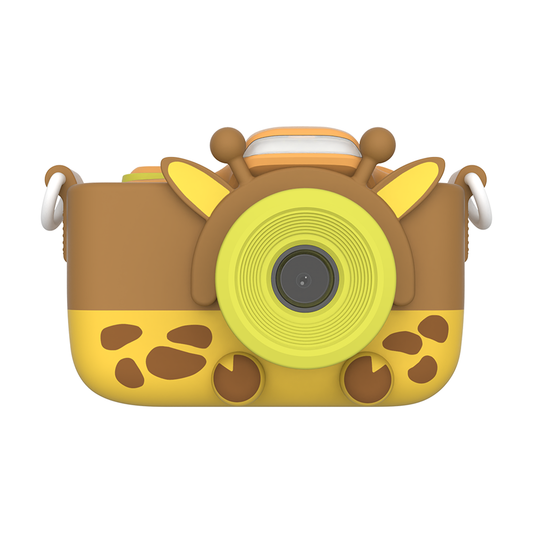
myFirst Camera 3
Regular price RM319.00 MYRRegular price -
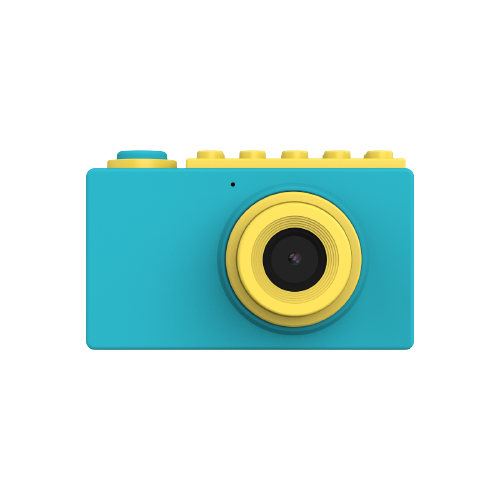
myFirst Camera 2 | Kids Waterproof Camera
Regular price RM289.00 MYRRegular price -
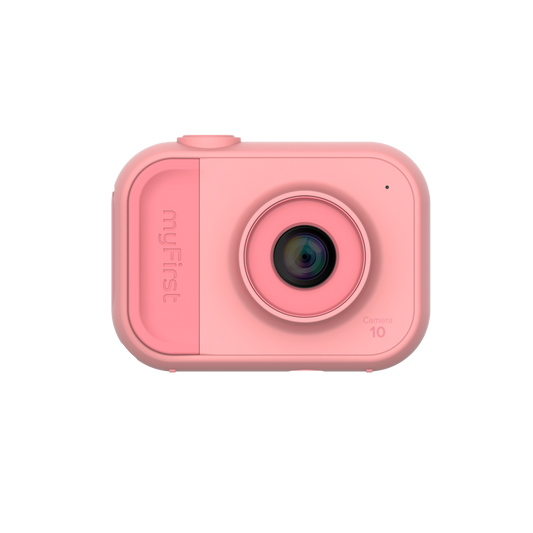
myFirst Camera 10
Regular price RM249.00 MYRRegular price -
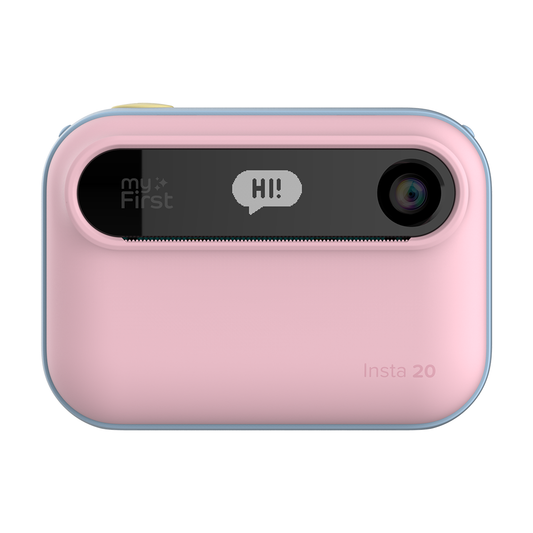
myFirst Camera Insta 20
Regular price RM299.00 MYRRegular priceRM459.00 MYRSale price RM299.00 MYRSale


What Parents Say


Frequently Asked Question
Where can I find the user manual?
You can access the full user manual for the myFirst Camera 3 here. It contains detailed instructions for setup, features, and troubleshooting.
How to transfer print pictures from myFirst Camera 3?
Check out this video and get it done
How to transfer the photos from myFirst Camera 3 to the desired device?
To transfer data from myFirst Camera 3 to your computer, follow these steps:
1.Connect the supplied adapter to your laptop or computer via an available USB port.
2. Your computer should recognise the MicroSD card as a removable storage device.
3. Open the MicroSD card folder on your computer and copy the desired photos and videos to your computer.
This process allows you to easily transfer your photos and videos from the camera to your computer.
Does myFirst Camera 3 come with a free microSD card?
Yes! The myFirst Camera 3 comes with a free microSD card. The camera also supports up to 32GB microSD cards, so you can easily upgrade or replace the card if you need more storage.
Is the myFirst Camera 3 waterproof?
No, the myFirst Camera 3 is not waterproof. However, if you’re looking for a waterproof option, you may check out the myFirst Camera 2.